一款 图生图 AI 生成器 能帮助你把现有参考图作为新视觉的起点。你不必从零开始写提示词,而是上传产品图、人像、草图、房间照片、美食图片、包装样机或活动草案,然后告诉模型哪些要保留、哪些要改变。
Flaq AI 是测试这种工作流的实用选择,因为它提供了可直接上手的浏览器端 Image to Image Generator 进行编辑,也提供用于更高级流水线的模型/API 页面,包括 GPT Image 2 Edit API、Qwen Image 2.0 Edit API、Qwen Image 2.0 Pro Edit API、Wan 2.7 Image Edit API 以及 GPT Image 2 Image Generator & Editor。在通过品牌、版权、隐私与质量审核之前,请把每一次输出都当作创意草稿。

Flaq AI 上的图生图 AI 如何工作
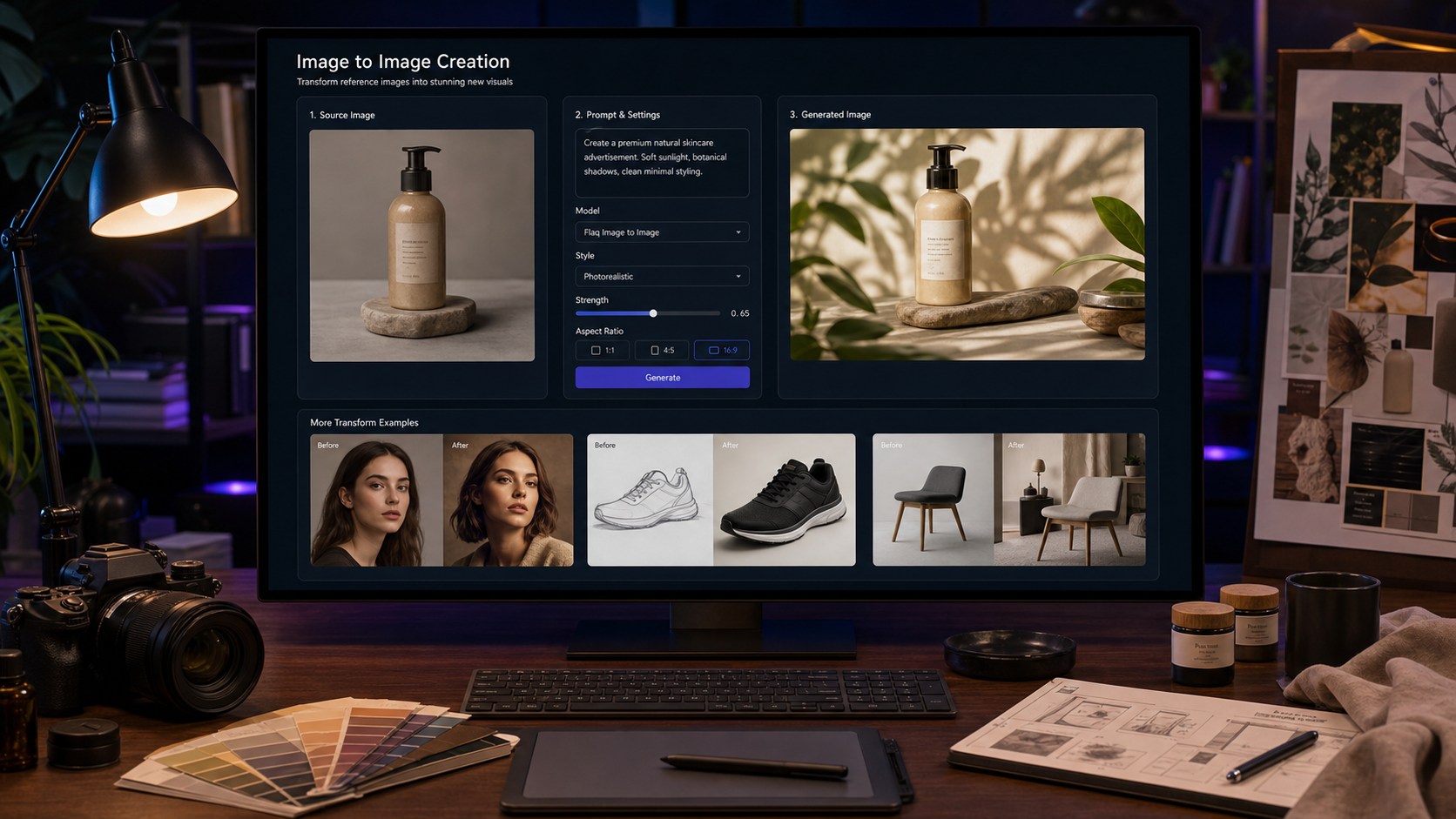
图生图 AI 以参考图为起点,再用你的提示词来引导编辑。源图会锚定主体、布局、姿势、产品外形、房间结构或视觉风格,而提示词则告诉模型需要改变什么。
在 Flaq AI 上,无代码流程很直观:打开在线 AI 图生图工具,上传参考图,选择模型,描述你要的修改,选择可用设置(如比例、质量或分辨率),生成草稿,并将结果与原图对比。关键是把“保留”指令和“更改”指令分开写清楚。
这让图生图对已经有明确视觉方向的创作者和团队尤其有价值:一张简单的产品图可以变成活动海报图,一张草图可以变成精致的概念渲染图,而社媒横幅也能在不从头重建版式的情况下焕新。

生成前先准备好参考图
更好的源图通常会带来更好的编辑效果。如果模型无法清晰识别主体、材质、边缘、姿势、光照或布局,它就更容易“脑补”你并未要求的细节。
请使用清晰锐利、重要主体可见的图片。电商场景中,应展示产品外形、纹理、标签位置与尺度感;人像应保证面部清晰、表情自然、光线干净;室内图要让房间布局、窗户位置与家具边界清楚可辨;草图则要让轮廓与关键设计特征易于识读。
在使用 reference image AI generator 之前,先写下必须不变的细节:产品尺寸、Logo 区域、配色、面部身份、穿搭、版式、构图或品牌色板。这些细节应该直接写进提示词里。

写出更好的图生图提示词
好的图生图提示词需要告诉模型:保留什么、改变什么、应用什么风格、以及要避免什么。像“让它更好”这类模糊指令往往会导致不可控的变化;具体的描述能让输出更贴近你的创作目标。
可复用的提示词公式如下:
Use this reference image as the base. Preserve [subject / product / person / object / layout] while changing [specific edit]. Keep [important details to preserve]. Apply [style / lighting / background / mood / composition]. Output should be [use case], with [aspect ratio], [quality level], and no [things to avoid].
例如,电商提示词应明确要保留哪些产品细节、以及要替换成什么背景;人像提示词应保留身份特征、表情和发型,同时调整光线或背景;活动图提示词应保留视觉层级,同时优化背景、构图与氛围。

选择合适的图像编辑模型或 API
模型选择取决于任务,而不只是模型名字。在围绕某个具体模型搭建工作流之前,先用 Flaq AI 的工具页与模型页对比当前可用性、支持的输入、API 参数、分辨率上限、积分成本、使用权利与安全限制。
要进行灵活编辑与基于提示词的改图,建议从 GPT Image 2 Edit API 或 GPT Image 2 Image Generator & Editor 开始。对比阿里系图像编辑模型的团队,可查看 Qwen Image 2.0 Edit API 与 Qwen Image 2.0 Pro Edit API。更广泛的图像编辑工作流则可参考 Wan 2.7 Image Edit API。
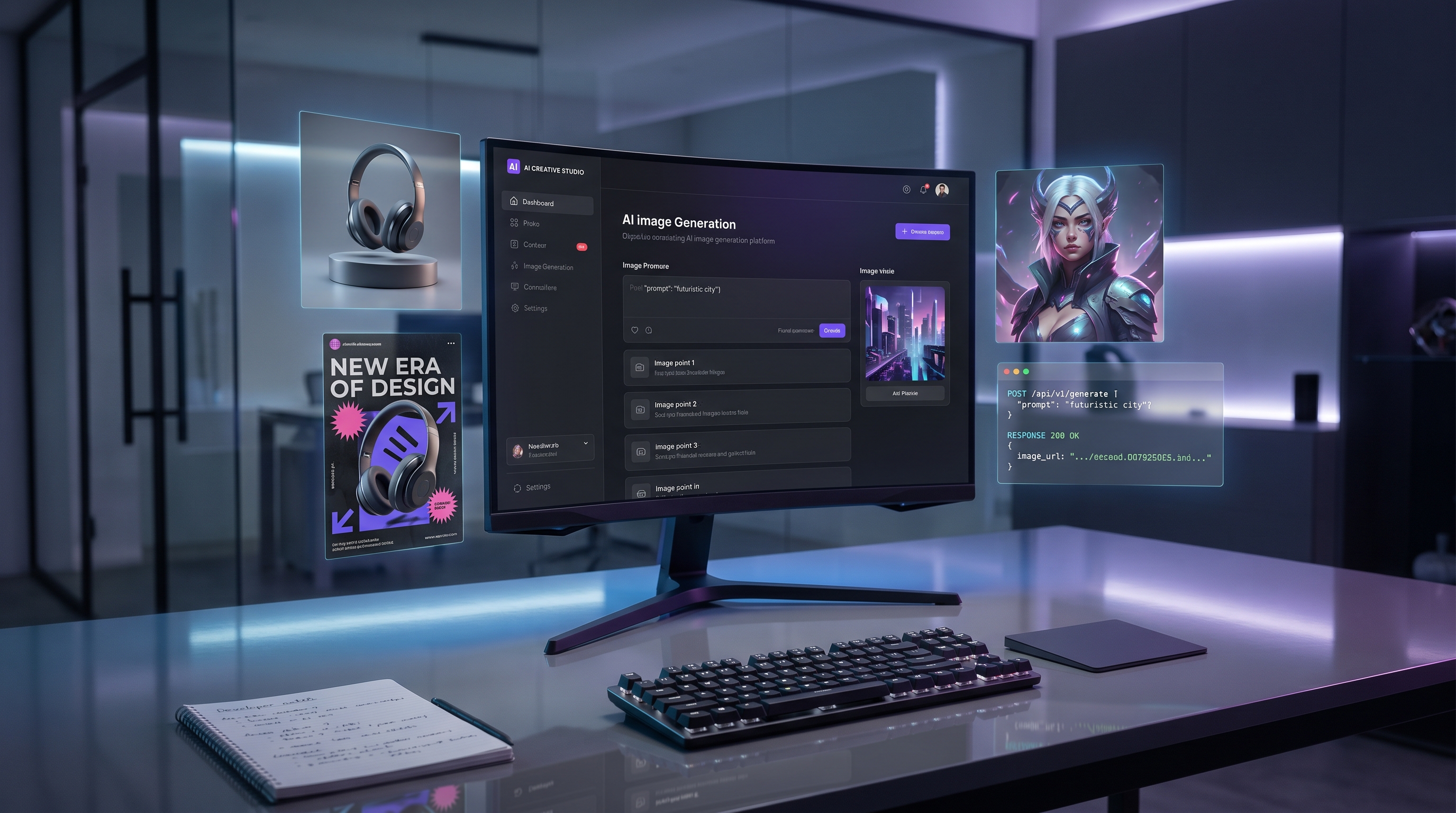
开发者应把 AI 图像编辑 API 当作可复用的生产组件:传入可访问的图像输入、提示词指令、模型设置及任何支持的参数,然后保存输出、日志、提示词版本与审核决策。不要默认所有模型都支持相同数量的输入图片、遮罩、比例、分辨率或编辑控制项。

最佳用例:产品样机、风格迁移、活动图与视觉变体
当你需要在已有视觉基础上进行可控变化时,图生图最强。它尤其适用于产品样机、背景替换、视觉变体、社媒活动图刷新、室内软装重塑、美食摄影优化、角色一致性资产与概念渲染。
电商团队可以在保留外形与标签位置的同时,把朴素产品图变成生活方式场景或产品广告。设计师可以把草图转成精致的产品概念图。社媒运营可以刷新横幅、缩略图和活动视觉。代理机构可以基于同一张已批准的参考图产出多个方向,同时不丢失核心视觉想法。
对于 AI 图像变体生成器,请让变体提示词保持聚焦:一次只改一到两个关键元素,比如背景与光照,而不是同时要求彻底重设计、新产品、新机位、新风格。

10 个可直接复制使用的图生图提示词示例
你可以在 Flaq AI 的浏览器工作流中使用这些提示词,或在确认模型页面的支持字段后,把它们改写用于面向开发者的 image editing API for developers。
-
Use this product photo as the base. Preserve the product shape, label placement, and material texture. Replace the background with a bright modern kitchen counter, natural morning light, soft shadows, photorealistic ecommerce style, 16:9.
-
Use this portrait as the base. Preserve the person’s facial identity, hairstyle, and expression. Change the background to a clean editorial studio backdrop with soft rim lighting, professional LinkedIn headshot style, realistic skin texture.
-
Use this sneaker image as the base. Keep the shoe design, colorway, and proportions. Create three lifestyle ad variations on urban pavement, dramatic golden-hour light, shallow depth of field, photorealistic campaign image.
-
Use this sketch as the base. Convert it into a polished product concept render. Preserve the silhouette and core design, add realistic materials, studio lighting, subtle reflections, clean white background.
-
Use this room photo as the base. Keep the layout and window position. Restyle the interior into a warm minimalist living room with oak furniture, cream textiles, natural plants, magazine-style photography.
-
Use this food image as the base. Preserve the dish shape and ingredients. Improve lighting, plating, background, and color balance for a premium restaurant menu photo, realistic and appetizing.
-
Use this character image as the base. Preserve the character’s outfit, face structure, and color palette. Generate a new pose in a cinematic city street scene, rainy reflections, realistic lighting, no extra limbs.
-
Use this packaging image as the base. Keep the logo area blank and preserve the box dimensions. Create a premium skincare product mockup on a marble surface with soft beige lighting.
-
Use this social media banner as the base. Keep the main layout and visual hierarchy. Refresh the background, lighting, and composition for a cleaner product-launch campaign, no unreadable tiny text.
-
Use this reference image as the base. Create a more photorealistic editorial version with better lighting, sharper subject separation, natural shadows, and a polished magazine-style composition.
这些示例在配合强参考图与一份简短的“保留细节清单”时效果最佳。如果输出开始跑偏,先简化提示词并再次测试,再考虑更换模型。

审核、权利与发布注意事项
图生图输出应被视为“打磨过的草稿”,而不是自动生成的最终资产。发布前,请将结果与源图对照,检查主体一致性、产品准确性、脸部与手部质量、文字瑕疵、分辨率、背景真实感、水印/导出规则、隐私以及品牌审批情况。
用于商业场景时,在将输出用于广告、电商、客户活动或社媒发布前,请先核验相关权利。请查看 Flaq AI 的实时页面以确认模型可用性、图片输入限制、积分成本、API 参数、输出分辨率、商用权利、隐私设置、水印/导出规则,以及支持的图像输入特性。除非实时页面明确确认,否则不要宣称保证永久免费访问、无限制使用、无水印导出、官方模型合作或隐私保护。
对比工具的团队也可以阅读相关 Flaq AI 资源,例如 GPT Image 2 API and Prompt Guide、ChatGPT Image 2 API、Nano Banana 2 API Guide、以及 Image to Video Creation Guide。人们也会阅读来自 HeyDream、SeaImagine、Flyne、Chat4O、以及 Fylia 的图像工作流指南。
FAQ
什么是图生图 AI 生成器?
图生图 AI 生成器会使用参考图 + 提示词来生成经编辑、重风格化、重构或视觉增强后的输出。
我可以用图生图 AI 来处理电商产品图吗?
可以,但务必仔细核对产品准确性。保留外形、材质、标签位置与尺度,然后在发布或投放广告前审核结果。
AI 图像编辑 API 比浏览器工具更好吗?
浏览器工具更适合快速做创意测试;当开发者需要可复现的工作流、日志、提示词版本与接入内部工具时,API 更合适。
图生图 AI 能完全精确地保留一个人或角色吗?
它可以帮助保留身份或角色线索,但输出仍可能漂移。公开使用前,请审核脸部、服装、姿势、手部与比例。
结论: 一个实用的 图生图 AI 生成器 工作流从清晰的参考图开始,配合精确的“保留/更改”提示词、合适的模型或 API,以及谨慎的审核步骤。Flaq AI 的价值在于它既支持快速的浏览器端图生图测试,也为开发者提供模型页面来规划可扩展的 AI 图像生成与编辑 工作流。