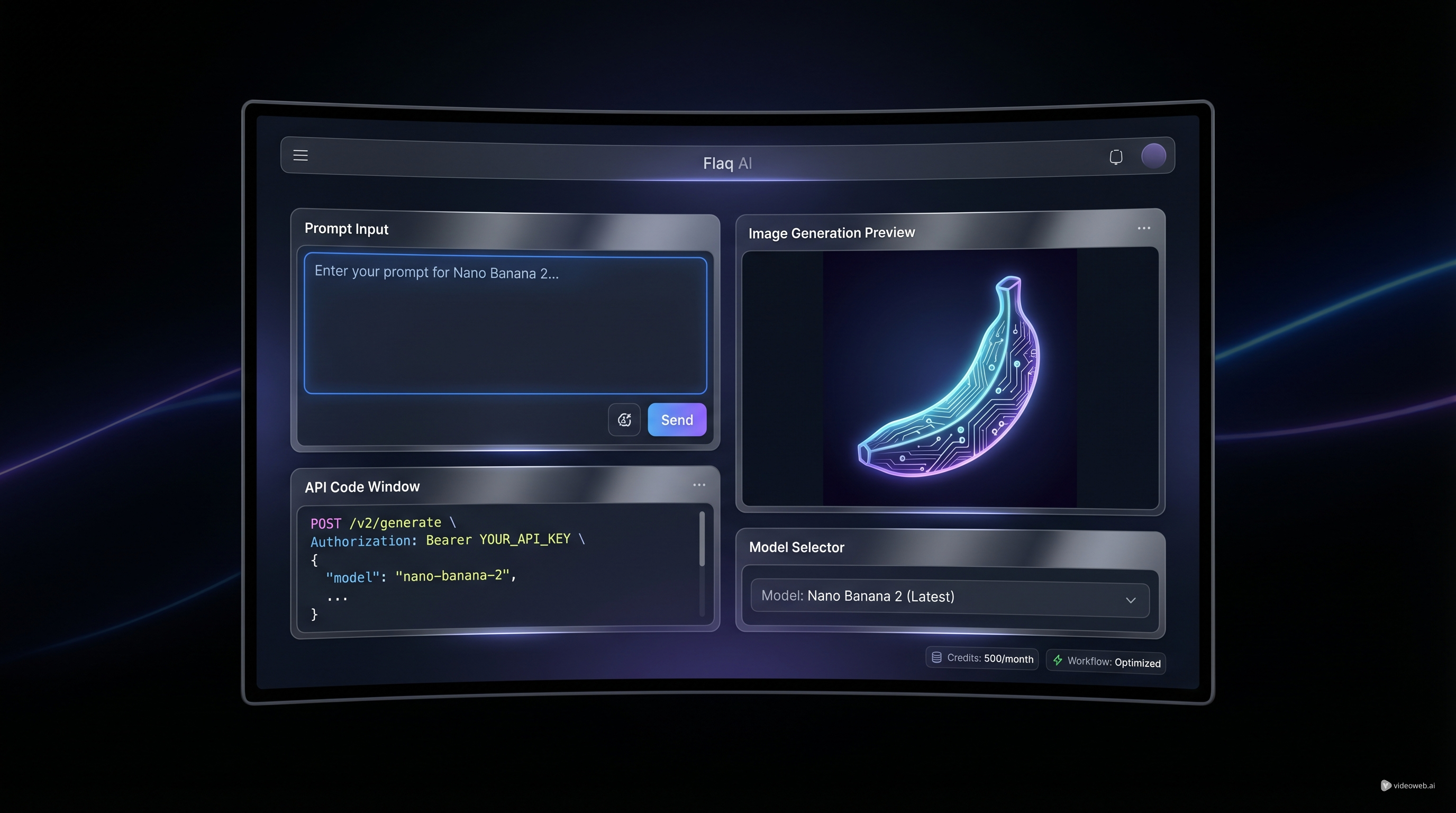
If you are trying to choose an image model for app features, batch content production, or fast creative testing, speed and workflow usually matter more than hype. That is where Flaq AI becomes interesting. Instead of forcing you to choose between “just try it online” and “build with an API,” the platform gives you both on the same model page. You can test prompts directly in the playground, review outputs, then move into integration when you are ready.
That makes the Nano Banana 2 API a practical option for people who want less friction between experimentation and production. It is useful for developers who need a reliable image endpoint, but it is also friendly to creators, marketers, and product teams who want to understand model behavior before writing code.
This guide is built around that real-world use case. Instead of treating the model as a black box, it will help you understand what it is good at, how to test it on Flaq AI, how to think about cost, and when it makes sense to move from direct online use to API-based workflows.
Why Nano Banana 2 Is a Useful Starting Point
A lot of model guides begin with specs. Most users begin with a simpler question: will this actually fit my workflow?
That is the right place to start. The value of the Google Nano Banana API is not just that it can generate images quickly. The real benefit is that it fits a common modern workflow very well: test an idea, refine a prompt, lock in a style, and then scale it.
On Flaq AI, that workflow feels natural because the same page supports both direct use and API access. You can open the model, write a prompt, choose an aspect ratio, select a resolution, and generate an image without leaving the interface. Then, if your test works, the API section and docs are already part of the same ecosystem.
That matters because many teams do not need a “perfect” model first. They need a model they can learn fast, use immediately, and operationalize later.
In other words, the best entry point is often not the most premium option. It is the one that helps you move quickly without losing control.
What the Model Is Good At
The strongest reason to consider the Nano Banana 2 API is speed-to-output. If your goal is rapid testing, visual ideation, or high-volume generation, a fast and cost-conscious model can be more valuable than a slower premium image system.
That makes Nano Banana 2 a strong fit for:
- creative concept testing
- social media image generation
- product mockups and quick ad visuals
- internal design exploration
- app features that require frequent image generation
- workflows where turnaround time matters as much as image quality
This does not mean the model is only for rough drafts. It means its biggest strength is momentum. You can iterate more freely, compare prompt styles faster, and get to a usable output without building a heavy pipeline around every single request.
For many users, that is exactly where value shows up.
How to Use Nano Banana 2 on Flaq AI Before You Write Code
One of the smartest things about Flaq AI is that it does not force you into development mode too early. Before you even think about implementation, spend time in the playground.
That first stage should be simple.
Open the Nano Banana 2 API page, start with a short prompt, choose a format such as 16:9 or another aspect ratio that fits your use case, then pick the resolution you want. If you are testing marketing visuals, that might mean a wide layout. If you are making social creatives, you may want something more vertical or square.
The important part is not writing the longest prompt. It is learning how the model responds.
A strong first prompt is usually built from just a few ingredients:
- subject
- setting
- visual style
- camera or framing direction
- output purpose
For example, instead of writing a giant paragraph full of adjectives, try something more readable:
“Minimalist skincare bottle on a white vanity, soft daylight, premium beauty ad style, clean composition.”
That kind of prompt is easier to judge. You can tell what the model understood, what it ignored, and what needs to change.
Once you find a pattern that works, you are already in a much better place to move into automation.
When to Switch from Playground to API
The jump from direct use to API is not about technical ambition. It is about repetition.
If you only need a handful of images and want to work manually, staying inside Flaq AI may be enough. The platform already supports direct online use, so you can keep generating inside the same environment without building anything extra.
But once your process becomes repetitive, the API starts to matter. That is where the Google Nano Banana API becomes more than a test tool.
You should consider integrating it when:
- you need the same generation logic repeatedly
- your app or product includes image creation as a feature
- your team is producing content at scale
- you want more predictable automation around prompt templates
- you need generation to fit into a larger production system
In practical terms, the best workflow is often this: test in the playground first, refine your prompt structure, then move to the API once you understand how the model behaves.
That saves time, reduces trial-and-error in development, and keeps your prompt logic grounded in real output instead of guesswork.
How to Think About Nano Banana 2 Pricing
Users often ask for a single number, but Nano Banana 2 price is better understood as a workflow decision.
Why? Because cost is not just about the model name. It is about how often you generate, what resolution you need, how many prompt iterations it takes to get a usable result, and whether speed helps you reduce other production costs.
That is why Nano Banana 2 API price should be evaluated in context.
A lower-cost model is valuable when it lets you:
- test more ideas in less time
- reduce the cost of failed creative directions
- generate in higher volume without overthinking every request
- build a lighter image stack for internal or customer-facing tools
On Flaq AI, the platform structure also helps here. You can test the model directly, understand how much iteration your use case requires, and then decide whether it is cost-effective for your workload.
That is a much healthier way to think about price than chasing a model just because it sounds premium.
When Nano Banana Pro Makes More Sense
Fast models are useful, but there are cases where higher-end output becomes the priority. That is where the Nano Banana Pro API enters the conversation.
The simplest way to compare them is this:
Use Nano Banana 2 when speed, iteration, and cost efficiency matter most. Use Pro when the quality ceiling becomes the bottleneck.
That upgrade may make sense if you are working on:
- premium commercial visuals
- more demanding art direction
- high-resolution branded content
- detailed compositions where small visual decisions matter more
- projects where the final render matters more than the volume of testing
A good practical rule is to prototype with Nano Banana 2 first. Once you know the concept works, move up only if the output quality becomes the limiting factor.
That is a more efficient approach than starting with the premium model every time.
A Smarter Way to Build a Repeatable Workflow
The biggest mistake people make with image APIs is treating every request as a brand-new experiment.
A better strategy is to build a reusable prompt structure. Once you know what the model responds to, keep that format and swap only the parts that matter.
A useful structure might look like this:
subject + environment + style + composition + purpose
Example:
“Ceramic coffee mug on a wooden breakfast table, warm morning light, lifestyle photography style, close-up composition, social ad creative.”
This helps in two ways. First, it makes prompt behavior easier to predict. Second, it makes your API usage cleaner because your generation logic becomes modular instead of improvised.
That is where the Nano Banana 2 API becomes more than a model endpoint. It becomes part of a system you can actually manage.
Final Thoughts
The best reason to use Flaq AI is not just that it hosts Nano Banana 2. It is that it makes the full workflow easier to understand.
You can test the model online, compare outputs, review the docs, and move into integration without changing platforms. That makes the Google Nano Banana API especially useful for teams that want a practical path from idea to implementation.
If your priority is fast image generation, cleaner testing, and an easier bridge between direct use and API access, Nano Banana 2 is a very sensible place to start. And if your needs grow later, Flaq AI already gives you a broader model stack to build on.
Tools to Recommend
- Nano Banana 2 API for fast, cost-conscious image generation and direct playground testing
- Nano Banana Pro API for more premium image output and higher-end visual work
- Nano Banana AI for direct online use without jumping straight into integration
- Seedream 4.5 API for alternative image-generation workflows with a different visual character
- Wan 2.6 Image-to-Video API for turning still images into motion
- Veo 3.1 Text-to-Video API for higher-end cinematic video generation
Related Articles
- Kling 3 API Guide: Standard vs Pro, Pricing, and How to Use It on Flaq AI
- Is Wan 2.7 Open-Source, API-Only, or Platform-First? What to Expect Next
- Browse More Flaq AI Model Guides
People Also Read
- Nano Banana 2 API Guide: Pricing, Access, and the Best Way to Use It in 2026
- Nano Banana 2 vs Nano Banana Pro: What Changed and Which One Fits Your Workflow?
- How to Use Nano Banana 2 for AI Image Generation and Editing
- Nano Banana 2 vs Seedream 5.0: A Practical Comparison Guide
- How to Use the AI Music Video Generator: A Detailed Guide from Song to Video