Design, remix, and refine your images with ease — try Free GPT Image 2 for free and unlock a faster way to create professional-looking visuals online. Make your photos more creative, expressive, and scroll-stopping — use Free Nano Banana AI to generate and edit images online for free.
AI image generation has moved far beyond funny experiments and quick concept art. Today, creators want images that can actually work in production: readable poster text, better product layouts, realistic lighting, flexible aspect ratios, and outputs that feel close enough to a final draft instead of a vague visual sketch. That is why the release of OpenAI Image 2.0 matters.
Instead of only improving visual beauty, ChatGPT Image 2 focuses on practical control. It is designed to understand more detailed prompts, follow composition instructions more reliably, and generate images that are easier to use for marketing, content creation, product design, editorial graphics, and developer workflows. For many users, the biggest question is no longer “Can AI make a good-looking image?” The better question is “Can it make the image I actually asked for?”
That is where OpenAI GPT Image 2 becomes especially interesting. It is not just another image model with sharper visuals. It is a more capable creative system for people who need structure, direction, and repeatable results.
What Is ChatGPT Image 2?
ChatGPT Image 2 is OpenAI’s newer image generation model for creating and editing visuals from natural-language prompts. In simple terms, you describe what you want, and the model turns that instruction into an image. But compared with older AI image tools, GPT Image 2 OpenAI is more useful when the prompt contains real creative direction: camera angle, layout, lighting, visual hierarchy, mood, typography, platform format, and intended use.
For example, a weak prompt like “make a coffee ad” may still produce something attractive, but a stronger prompt can ask for a 16:9 hero banner, a ceramic mug on marble, soft studio lighting, space for a headline, warm neutral colors, and a premium lifestyle photography style. That level of direction is where a stronger model becomes much more valuable.
This makes ChatGPT Image 2 useful for creators who need polished visuals quickly, and also for developers who want to build image generation into apps, SaaS products, content platforms, design systems, or automated marketing workflows.
What Feels New About ChatGPT Image 2?
The most important improvement is not one single feature. It is the combination of better prompt following, cleaner visual organization, and stronger output usability. ChatGPT Image 2.0 feels more practical because it understands that an image is not only about style. A good commercial image also needs readable structure.
For marketers, that means stronger ad concepts, poster layouts, thumbnails, and social visuals. For designers, it means faster mood boards, product mockups, and layout drafts. For publishers, it means article covers, infographics, and editorial illustrations that can communicate an idea more clearly. For developers, it means image output that can be integrated into a real product instead of staying inside a playground.
Text rendering is one of the most noticeable areas. AI image models have traditionally struggled with readable words, especially when generating posters, labels, signs, menus, and interface mockups. ChatGPT Image 2 is not perfect, but it is much more relevant for content where text is part of the image. This matters because many real business visuals are not just pretty pictures. They are visual messages.
The model also appears better suited for different visual styles. It can move between realistic photography, manga-inspired panels, editorial posters, product shots, educational layouts, and stylized social graphics. That flexibility makes the ChatGPT image model a useful option for teams that do not want to use a different tool for every small creative task.
How Good Is It for Real Creative Work?
The best way to understand ChatGPT Image 2 is to think of it as a strong first-draft and production-assist tool. It can save time during ideation, help creators test multiple directions, and give developers a reliable model for visual generation features. It is especially strong when you give it a clear purpose.
For example, if you are making social media content, you can ask for a vertical launch poster, a YouTube thumbnail concept, or a TikTok-style product visual. If you are working in e-commerce, you can generate lifestyle product scenes, hero banners, seasonal campaign graphics, or product concept images. If you are building an app, you can use the ChatGPT image API to let users generate assets without leaving your platform.
The model is also useful for editorial and educational content. It can create article covers, visual explainers, diagram-like graphics, and presentation-style images. This is where stronger instruction following really matters. A beautiful but confusing image is not very useful for education or publishing. A slightly simpler image with better structure can be far more valuable.
Still, users should stay realistic. ChatGPT Image 2 can make mistakes in very small text, dense technical diagrams, exact brand systems, and highly specific object placement. If a visual will be used commercially, it should still be reviewed by a human. The model is powerful, but it is not a replacement for quality control.
Why Access It Through Flaq AI?
One practical way to try OpenAI GPT Image 2 is through Flaq AI. The platform is useful because it supports two common workflows: direct online use and API access.
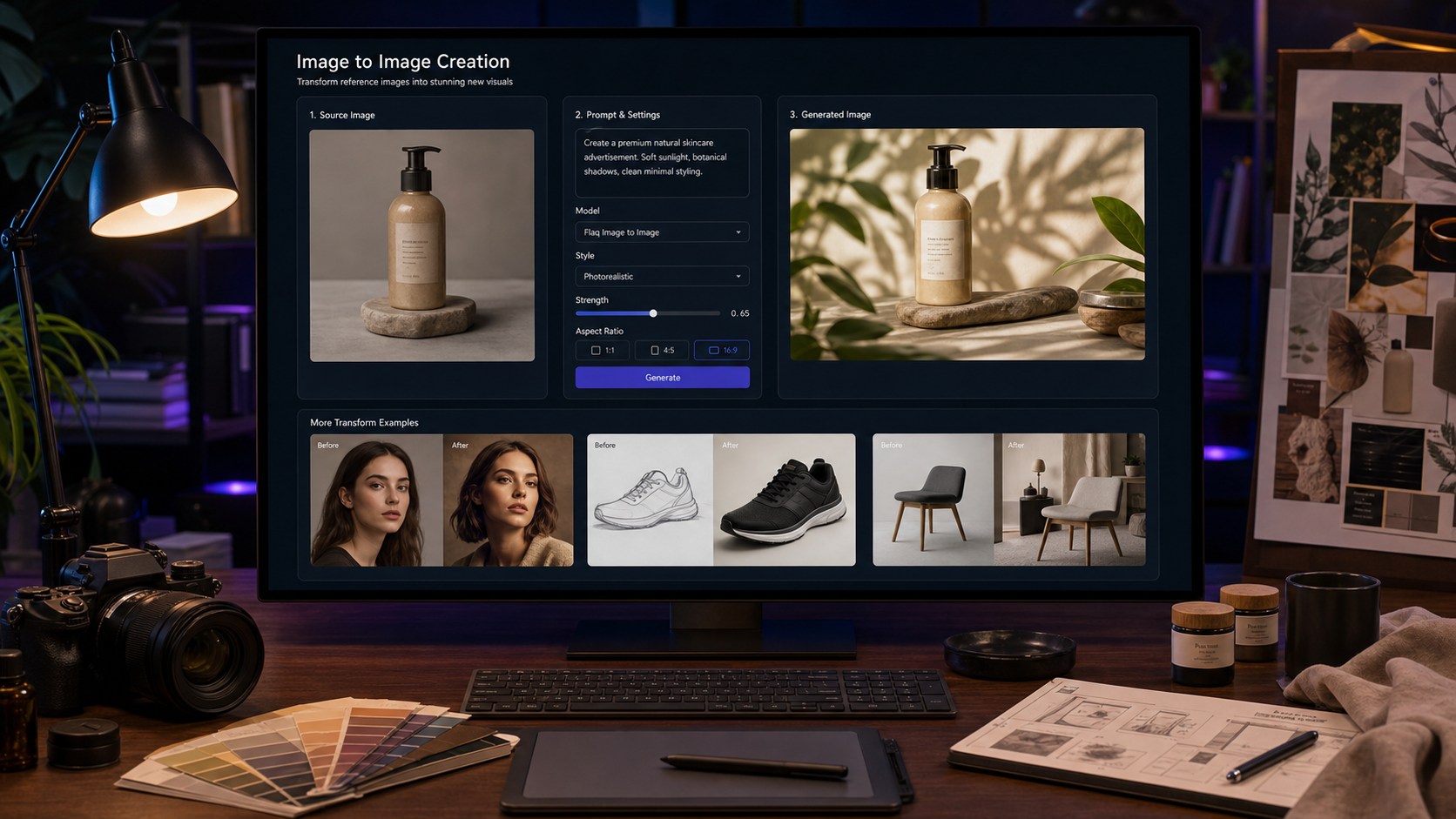
For non-technical creators, the online playground is the faster route. You can enter a prompt, choose quality options, set the image ratio or resolution, and test the result directly in the browser. This is ideal for prompt experiments, quick campaign drafts, and checking whether the model fits your visual needs before building anything more complex.
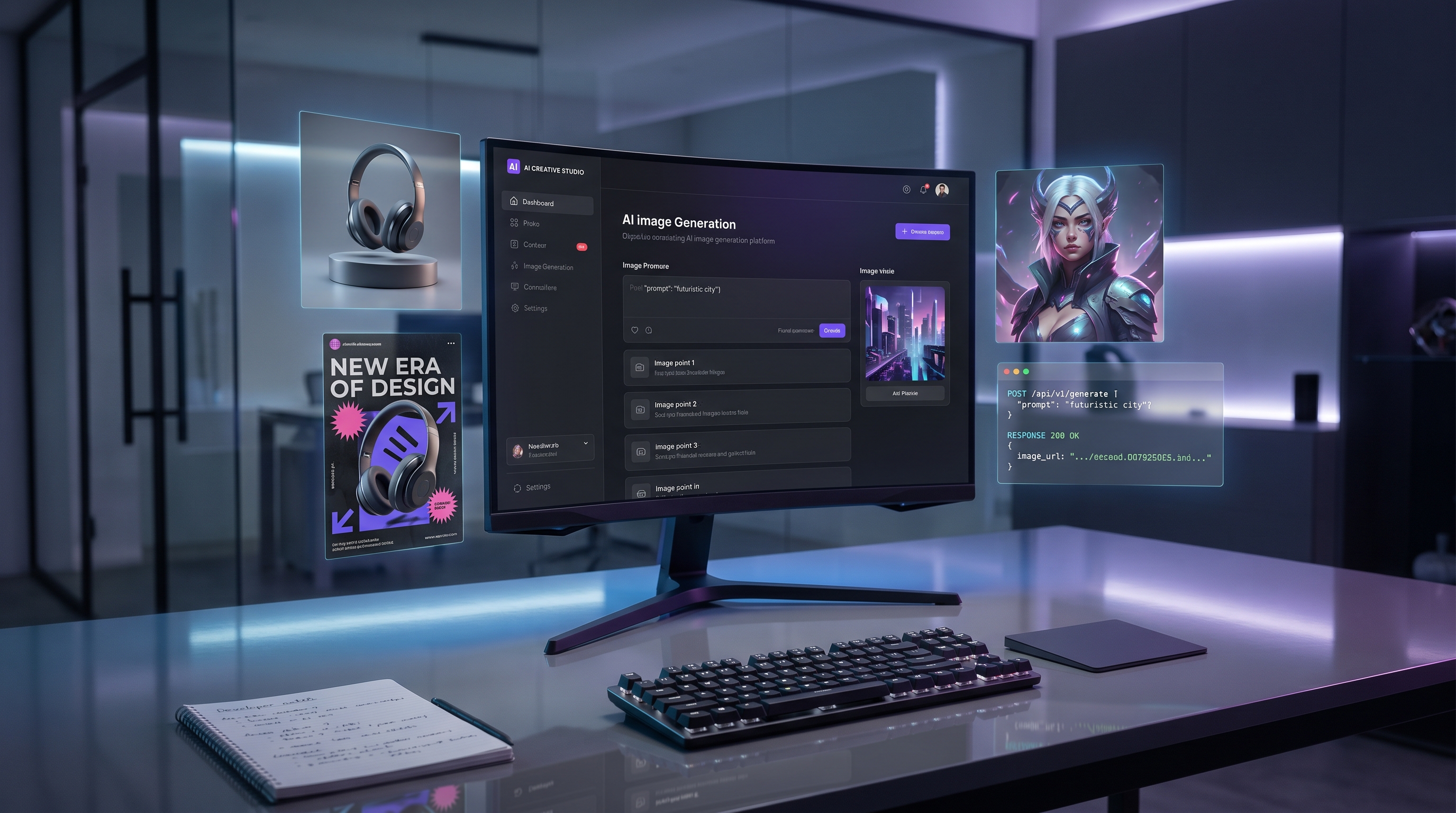
For technical teams, Flaq AI’s API access is the more important part. Developers can use AI image models API workflows to connect image generation with websites, apps, internal dashboards, content tools, ad creative systems, or automated publishing pipelines. This is helpful when image generation needs to become part of a repeatable process.
In other words, Flaq AI is not only a place to “try the model.” It can also work as a bridge between casual testing and production integration. That matters because many teams first experiment with AI tools manually, then later realize they need scalable API access for real business use.
Prompt Tips for Better Results
The quality of your prompt still matters. A vague prompt usually creates a generic image, while a structured prompt gives the model more useful direction. A simple formula works well:
Subject + scene + style + composition + lighting + camera + final use.
For example:
Create a minimalist product photo of a ceramic coffee mug on a marble table, soft studio lighting, neutral beige background, shallow depth of field, premium e-commerce style, 16:9 banner layout, with clean empty space on the left for headline text.
For marketing visuals, mention the platform and layout:
Design a vertical Instagram poster for a summer matcha drink launch, pastel green and cream color palette, realistic iced drink photography, bold readable title text, playful Japanese café mood, clean layout, and a small discount badge near the bottom.
For app or SaaS visuals, describe the interface logic:
Generate a square feature graphic for an AI image tool, showing a before-and-after creative transformation, modern blue-purple gradient, clean UI cards, readable title text, polished SaaS marketing style, and strong contrast for mobile viewing.
For product ads, include materials and lighting:
Create a premium advertisement for a matte black smartwatch on a reflective surface, dramatic rim lighting, dark gradient background, realistic metal and glass materials, elegant composition, and clean space for a short slogan.
These prompts work because they tell the model not only what to draw, but also how the final image should function.
Best Use Cases for ChatGPT Image 2
ChatGPT Image 2 is especially useful for marketing and content creation. It can generate ad posters, product visuals, campaign drafts, blog covers, social media graphics, thumbnails, and branded concept images. For creators who publish frequently, this can speed up the early visual process dramatically.
It is also useful for e-commerce teams. Product lifestyle images, seasonal banners, packaging ideas, and promotional visuals can be tested quickly before committing to a full design direction. The model is not a substitute for real product photography in every case, but it can be extremely helpful for ideation, mockups, and campaign planning.
Developers may find even more value in the API side. With GPT Image 2 OpenAI, an app can offer image generation directly to users. A design tool might generate mockups. A social media platform might create post visuals. A marketing dashboard might produce ad variations. An education app might generate lesson illustrations. The real value comes from turning image generation into a built-in feature.
Limitations to Keep in Mind
Even strong models need careful use. ChatGPT Image 2 can still struggle when prompts demand perfect precision, such as exact legal diagrams, medical images, technical schematics, or strict brand typography. It can produce convincing outputs that still contain small errors, so users should check details before publishing.
There are also workflow considerations. Higher-quality images may cost more or take longer, depending on platform settings and API usage. Teams using the ChatGPT image API should test speed, cost, failure cases, moderation behavior, and output consistency before scaling.
The best approach is to treat the model as a powerful creative assistant: excellent for drafting, exploring, generating, and iterating, but still requiring human judgment for final publication.
Final Verdict: Is ChatGPT Image 2 Worth Trying?
Yes, especially if your work depends on prompt accuracy, readable image text, polished commercial visuals, or API-based image generation. ChatGPT Image 2.0 feels less like a novelty tool and more like a practical visual production system. It can help marketers move faster, help creators test ideas, and help developers build AI image features into real products.
Flaq AI is a practical access point because it supports both browser-based testing and API acquisition. That makes it useful whether you are a creator who wants to generate images directly or a developer who wants to build with the model.
For users who want a flexible way to test OpenAI’s latest image model without immediately building a full pipeline, Flaq AI is a convenient place to start. For teams ready to move deeper, its API access can help turn image generation into a repeatable production workflow.
Recommended Other APIs on Flaq AI
If you are comparing image and video generation models, Flaq AI also provides access to other useful APIs for different creative needs.
- Nano Banana Pro API — a strong option for high-quality image generation, polished visual detail, and creative image workflows.
- Seedream 5.0 API — useful for premium image generation, realistic detail, and high-end visual production.
- Veo 3.1 API — a good choice for cinematic text-to-video generation and advanced video experiments.
- Wan 2.7 API — useful for text-to-video generation, prompt testing, and creative video workflows.
Related Article
- GPT Image 2 API Review: Prompt Control, Text Rendering, and Real Use Cases
- Best AI Image Models API for Developers and Creative Teams
- OpenAI GPT Image 2 vs Seedream 5.0 vs Nano Banana Pro
- How to Build a Production Image Workflow with Flaq AI
- Best Text-to-Image APIs for Marketing, Product Design, and Social Media