If you have been looking into AI video lately, chances are you have seen growing interest around Seedance 2.0. The appeal is easy to understand. Creators want cleaner motion, better prompt response, and less friction between testing an idea and actually shipping it. Developers want an API they can plug into real products without turning every experiment into a complicated engineering project.
That is where the Seedance 2.0 API on Flaq AI stands out. Instead of splitting the experience into one tool for demos and another for production, Flaq gives you both on the same model page. You can test prompts directly in the browser, then move into API usage when you are ready to automate or scale.
This article is a practical guide to what the model offers, how to think about the workflow, and when it makes sense to use it.
What Seedance 2.0 actually gives you
On Flaq AI, Seedance 2.0 is presented as a ByteDance text-to-video model built for high-quality video generation with built-in sound. That combination matters more than it may seem at first. A lot of AI video workflows still feel pieced together: one tool for visuals, another for sound, then extra editing just to make everything feel coherent. A model that can generate video with native audio support immediately feels more usable for real creative work.
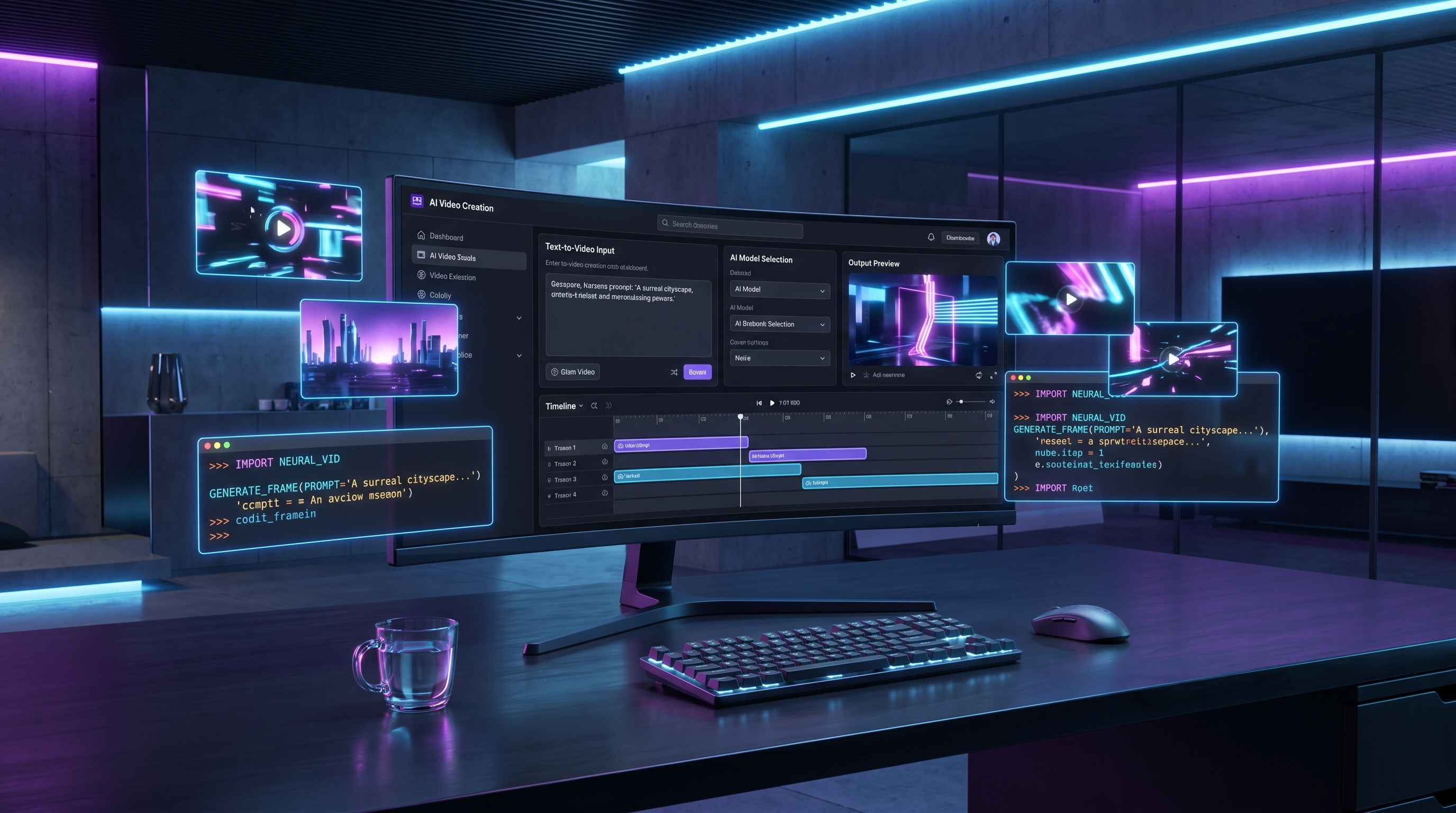
The setup on Flaq is also straightforward. You can choose between 480p and 720p output, generate clips from 4 to 15 seconds, pick from multiple aspect ratios, and enable or disable fixed camera mode depending on the style you want. There is also a visible playground interface for direct use, which is helpful if you want to learn the model before writing any code.
That makes the tool useful for two different audiences at once: creators who want hands-on testing, and product teams who want a programmable video workflow.
Why the Flaq AI workflow is practical
One reason many people give up on new video models is not quality. It is workflow friction. They can generate something once, but the process is messy when they try to repeat it consistently.
Using the Seedance 2 AI workflow on Flaq AI feels more practical because it supports both experimentation and integration in one place. You can start by opening the playground, typing a prompt, selecting duration, ratio, and resolution, and checking what the model does with your idea. Once you understand how it behaves, you can move to the API examples on the same page and start building a more repeatable process.
That is especially useful for teams making short-form videos at scale. Instead of treating prompt writing as a guessing game, you can test quickly, refine what works, and then turn that structure into a reusable pipeline.
How to approach your first generation
The most common mistake beginners make is writing prompts that are too vague. The second most common mistake is changing ten settings at once after a weak first result.
A better approach is simple.
Start with one subject, one action, and one environment. Then decide what matters most for the clip. Do you need vertical output for short-form social video? Use a portrait ratio first. Do you need a cleaner, more stable composition for a product demo? Try fixed camera. Are you testing ideas rather than making a final asset? Start with the lower-cost option and shorter duration before moving into longer or higher-resolution generations.
This is where the Seedance 2.0 API becomes more than just a model listing. It becomes a workable system. Because Flaq surfaces the main parameters clearly, you do not need to hunt through separate docs just to understand the basics.
The settings that matter most
Not every setting deserves equal attention. For most users, four choices shape the result more than anything else.
Prompt quality is first. If the model does not know what scene you want, no amount of tweaking will fully rescue the output.
Aspect ratio is second. This is not just formatting. A scene framed for 16:9 often needs different composition language than one framed for 9:16.
Duration is third. Short clips are easier to control. Longer clips can be more expressive, but they also give the model more opportunities to drift.
Camera mode is fourth. If you want movement, leave the shot more open. If you want stability, especially for products or talking-head style concepts, fixed camera can help.
Flaq also lists pricing in a way that is easy to understand, which matters for planning. Instead of vague promises about affordability, the page gives a visible per-second credit cost. That helps you estimate whether you are in an exploration phase or a production phase.
Where Seedance 2.0 makes the most sense
The strongest use cases are the ones where speed and structure matter at the same time.
For social content teams, it works well for testing ad concepts, short explainers, and mood-driven clips without building everything manually from scratch. For e-commerce and brand work, it is useful for quick visual concepts, product mood scenes, and lightweight promotional assets. For developers, it makes sense in content apps, internal creative tools, and automated generation pipelines where prompt templates can be reused.
It is also a good fit for storyboarding. Sometimes you do not need a polished final film. You just need to see whether an idea reads visually. In that situation, Seedance 2.0 is valuable because it lets you move from concept to rough motion quickly.
A note on “Seedance Pro 2”
You may also see people searching for Seedance Pro 2. In practice, that usually reflects search behavior more than a clearly separate official product label on the Flaq page. For article writing and SEO, it is smart to acknowledge the term, but it is better not to present it as a different confirmed model unless the platform itself starts doing that.
So the cleanest way to handle it is this: if readers search for “Seedance Pro 2,” they are often trying to find the newer, more capable Seedance workflow for text-to-video generation. On Flaq AI, that destination is the same Seedance 2.0 API.
Should creators use it directly, or go straight to the API?
For most people, the answer is both, just not at the same time.
If you are still learning how the model responds, use the direct interface first. It is faster, more intuitive, and better for creative trial and error. You can see how different prompts behave, test whether built-in sound helps your concept, and understand how duration changes the feel of a clip.
If you already know your use case, or you need repeatable output at volume, move into the API sooner. That is where the value compounds. Instead of manually generating each clip, you can connect the model to a product, content workflow, or internal tool and standardize the process.
That is the real advantage of using Seedance 2 AI on Flaq AI. It is not only that the model is available. It is that the path from testing to implementation feels unusually direct.
Final thoughts
The AI video space changes fast, so no tool deserves blind hype. But there is a practical reason to pay attention to Seedance 2.0 on Flaq AI. It gives you a sensible middle ground between creative experimentation and production logic.
You can test it online without setup pain. You can study the available parameters without digging through scattered resources. And when you are ready, you can take that same workflow into API integration.
If your goal is to explore text-to-video seriously rather than just generate random one-off clips, the Seedance 2.0 API is worth a close look.
Prompt ideas to test
Product ad prompt
A premium skincare bottle on a wet black stone surface, soft cinematic lighting, slow camera push-in, tiny water droplets, luxury beauty commercial mood, clean reflections, subtle ambient sound
Lifestyle clip prompt
A young woman walking through a neon-lit city street at night, light rain, reflections on the pavement, cinematic handheld feeling, natural crowd movement, moody electronic ambience
Food video prompt
Fresh ramen being served in a small Japanese restaurant, steam rising, close-up broth movement, chopsticks lifting noodles, warm golden lighting, cozy background restaurant sounds
Story scene prompt
A lone traveler entering an abandoned cathedral at sunrise, dust in the light beams, slow reveal of the interior, dramatic atmosphere, distant echoing ambience, fantasy film tone
Other APIs worth recommending
- Veo 3.1 Text-to-Video API
- Kling 3.0 API
- Wan 2.7 Text-to-Video API
- Vidu Q3 Turbo API
- Seedream 4.5 API
- Nano Banana Pro API
Related Article
- Kling 3 API Guide: Standard vs Pro, Pricing, and How to Use It on Flaq AI
- Is Wan 2.7 Open-Source, API-Only, or Platform-First? What to Expect Next
- More Articles & News about Flaq AI Media Generation
People Also Read
- How to Use the AI Music Video Generator: A Detailed Guide from Song to Video
- Seedance 2.0 vs Seedance 1.0: What’s Better for AI Video
- Seedance 2.0 Video Generation Guide: How to Create Better AI Videos
- Seedance 2.0 Video Generation Guide: Tutorial + Prompts
- SeaImagine AI Text-to-Video Guide: How to Choose Models and Create Better Clips