If you have been looking into new video models for creative apps, content workflows, or internal media tools, Wan 2.7 API is one of the names worth paying attention to. It sits in a practical sweet spot: strong video quality, smoother motion, more production-friendly control, and a hosted path that is easier to test than waiting around for a perfect self-hosted setup.
For most readers, the real question is not whether Wan 2.7 sounds impressive on paper. The real question is how to actually use it today. That is where Flaq AI becomes useful. Instead of treating the model as something abstract, the platform gives you two concrete ways to work with it: you can try it directly in the browser, and you can move on to API access when you are ready to build around it.
This article breaks down what the model is good at, how to think about the open-source question, where image-to-video fits into the conversation, and why Flaq AI is a practical place to start.
What the Wan 2.7 API is really for
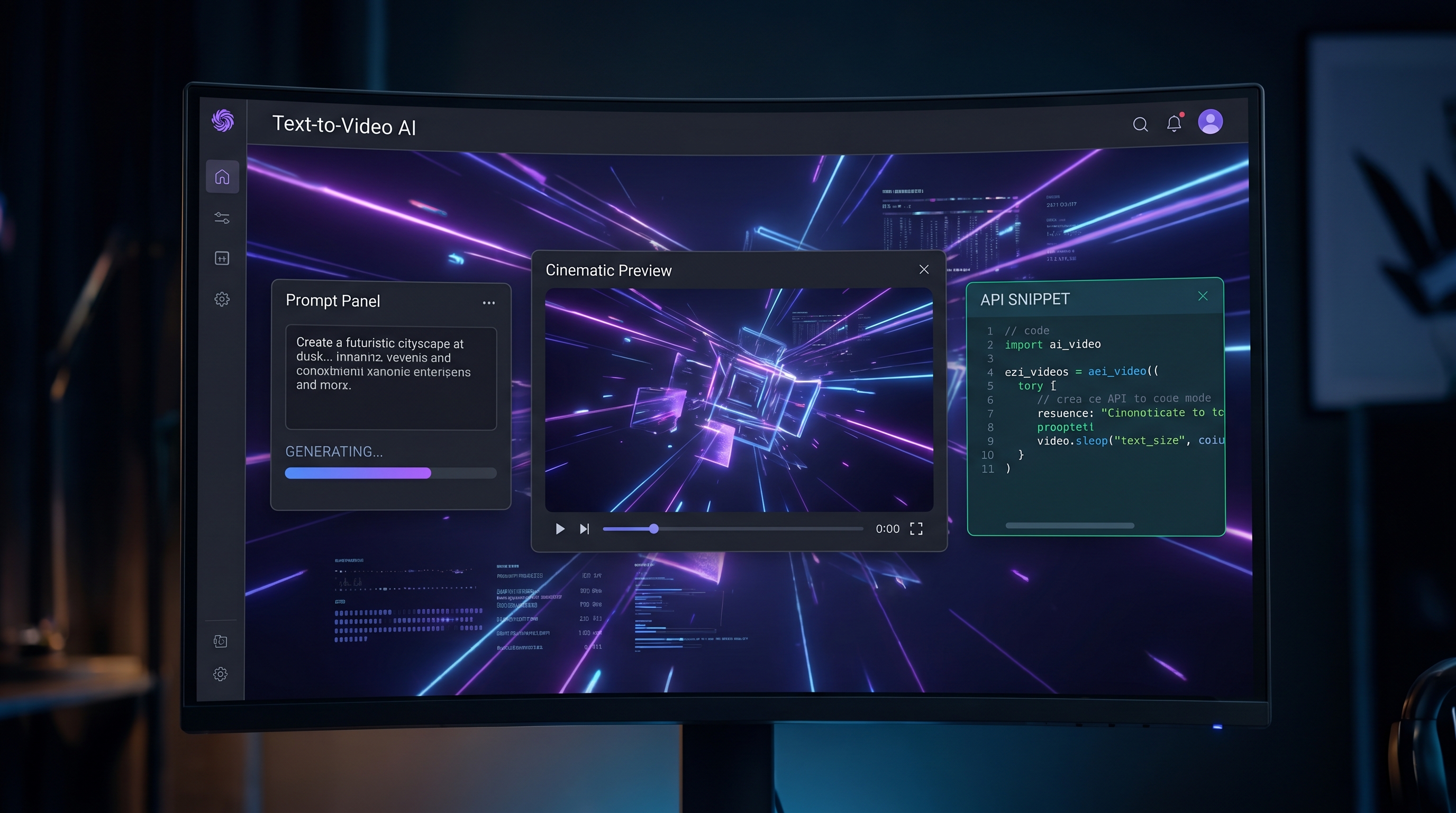
At a simple level, Wan 2.7 text-to-video is designed to turn written prompts into short, polished video clips. That sounds familiar because nearly every video model promises the same thing. What makes Wan 2.7 more interesting is the way it is positioned for more serious use, not just casual experiments.
On Flaq AI, the model is presented as a production-friendly video generation option with support for 720p and 1080p output, flexible durations, and multiple aspect ratios. That makes it easier to picture how it fits real work. A creator might use it for social clips and ad concepts. A product team might use it to prototype media features. A developer might use the API to automate first-draft video generation inside a larger workflow.
So rather than thinking of it as just another flashy model page, it helps to see the Wan 2.7 API as a bridge between creative prompting and actual deployment.
What makes Wan 2.7 appealing
A lot of video tools still look good only when the prompt is very simple. Once you ask for multiple actions, more detailed camera language, or object interaction, things often start to break. That is where Wan 2.7 tries to stand out.
The hosted model page emphasizes better prompt adherence, more realistic motion, and a stronger sense of physical coherence. In plain language, that means it is aiming to handle movement, scene logic, and cinematic direction more reliably than weaker text-to-video tools. If you want a person moving through a space, a product turning under light, or a short visual sequence with a clearer beginning and end, that matters.
It also helps that the model is set up for practical clip formats. For brands and creators, vertical and square outputs are not side features anymore. They are often the main deliverables. Because Wan 2.7 text-to-video supports several common aspect ratios, it becomes easier to create content for TikTok, Reels, Shorts, landing pages, and internal product demos without rebuilding the workflow each time.
Why Flaq AI is a smart way to access Wan 2.7
The strongest reason to recommend Flaq AI is convenience without locking the article into pure beginner advice. You can start in the playground, test prompts, compare outputs, and adjust settings before you touch code. Then, if the model fits your needs, you can switch to the API side and integrate it into your own product or automation flow.
That matters because many people researching video models are in the middle of a decision, not at the end of one. They are asking questions like: Is this model stable enough for regular use? Does it handle marketing clips well? Is the output good enough to justify the cost? Can I test it before I build around it?
Flaq AI makes those questions easier to answer. The Wan 2.7 API page is structured around both direct use and API access, which is exactly what most teams want. It lowers the friction for creators, while still giving developers a path to implementation.
In other words, it is not just a place to read about the model. It is a place to evaluate whether the model fits your workflow.
How to approach the “Wan 2.7 open source” question
A lot of search interest around this model comes from people typing in phrases like Wan 2.7 open source. That makes sense. Open models are attractive because they offer more flexibility, more control, and potentially lower long-term platform dependency.
But this is where it helps to stay precise. The wider Wan family does have a public open-model footprint, especially around earlier releases such as Wan 2.1 and Wan 2.2. At the same time, if you are specifically looking for Wan 2.7 in a way that is immediately usable for production, the clearer path right now is hosted access.
So the most honest way to frame the issue is this: if you are searching for Wan 2.7 open source, do not assume that every version in the Wan family is distributed the same way. For many users, the practical option today is to use a hosted service that already exposes the model through a browser workflow and API layer.
That is one more reason Flaq AI makes sense here. It lets you use the model now instead of treating it as a future possibility.
Where Wan 2.7 image-to-video fits in
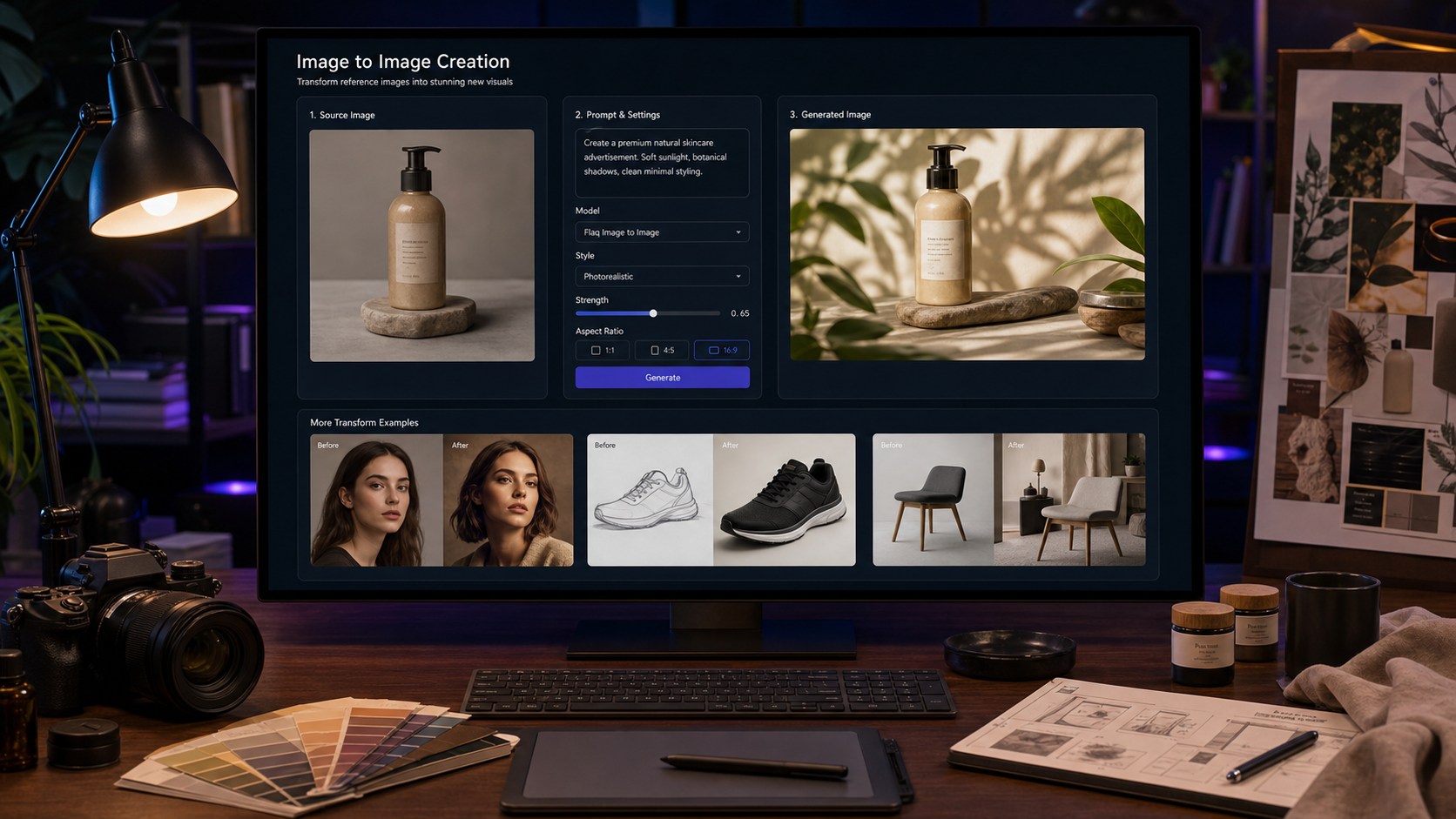
Another common search angle is Wan 2.7 image-to-video. Even when people start from a text prompt, many eventually want more control than text alone can provide. They want to begin from a product image, a concept frame, a character reference, or a still composition and then animate from there.
That is why this keyword matters, even in an article centered on text-to-video. It reflects a real workflow question: should you start from words, or should you start from a visual reference?
The answer depends on your goal. Text-to-video is usually better when you are exploring ideas quickly or testing multiple concepts. Image-to-video is usually better when composition, identity, or layout consistency matters more. If your main goal is fast ideation, start with Wan 2.7 text-to-video. If your main goal is controlled motion from an existing visual, then the Wan 2.7 image-to-video discussion becomes more relevant.
Who should use Wan 2.7 API
This model makes the most sense for people who want short, usable video outputs without building a full research stack around them. That includes solo creators, agencies, app teams, e-commerce brands, and developers who need a media-generation layer inside a product.
It is especially appealing if you want to test prompt quality in the browser first, then move into integration later. That step-by-step path is one of the biggest advantages of using Wan 2.7 API on Flaq AI instead of trying to piece everything together from scattered resources.
The bigger takeaway is simple. Wan 2.7 is not interesting only because it is new. It is interesting because it is usable. If you want a practical way to test Wan 2.7 text-to-video, compare its output style, and keep the option of API integration open, Flaq AI is one of the clearest places to start.
Other APIs to Try
- Wan 2.6 Text-to-Video API
- Veo 3.1 Text-to-Video API
- Kling 3.0 Standard Text-to-Video API
- Seedance 1.5 Pro Text-to-Video API
- Kling 3.0 Standard Image-to-Video API
Related Article
- Is Wan 2.7 Open-Source, API-Only, or Platform-First? What to Expect Next
- Alibaba’s Happy Horse 1.0 Is the AI Video Wild Card Right Now — And Why Wan 2.7 and Wan 2.6 Still Matter
People Also Read
- How to Use the AI Music Video Generator: A Detailed Guide from Song to Video
- How to Use HeyDream AI’s Text-to-Video Generator: Model Comparison, Prompting Tips, and Workflows
- Wan 2.7 Is Here: What Changed from Wan 2.6 and Wan 2.5, and How to Use
- Veo 3.1 API Guide: How to Use Google’s Premium Video Model on Flaq AI
- SeaImagine AI Text-to-Video Guide: How to Choose Models and Create Better Clips