

Text to Image
Create AI images from text prompts
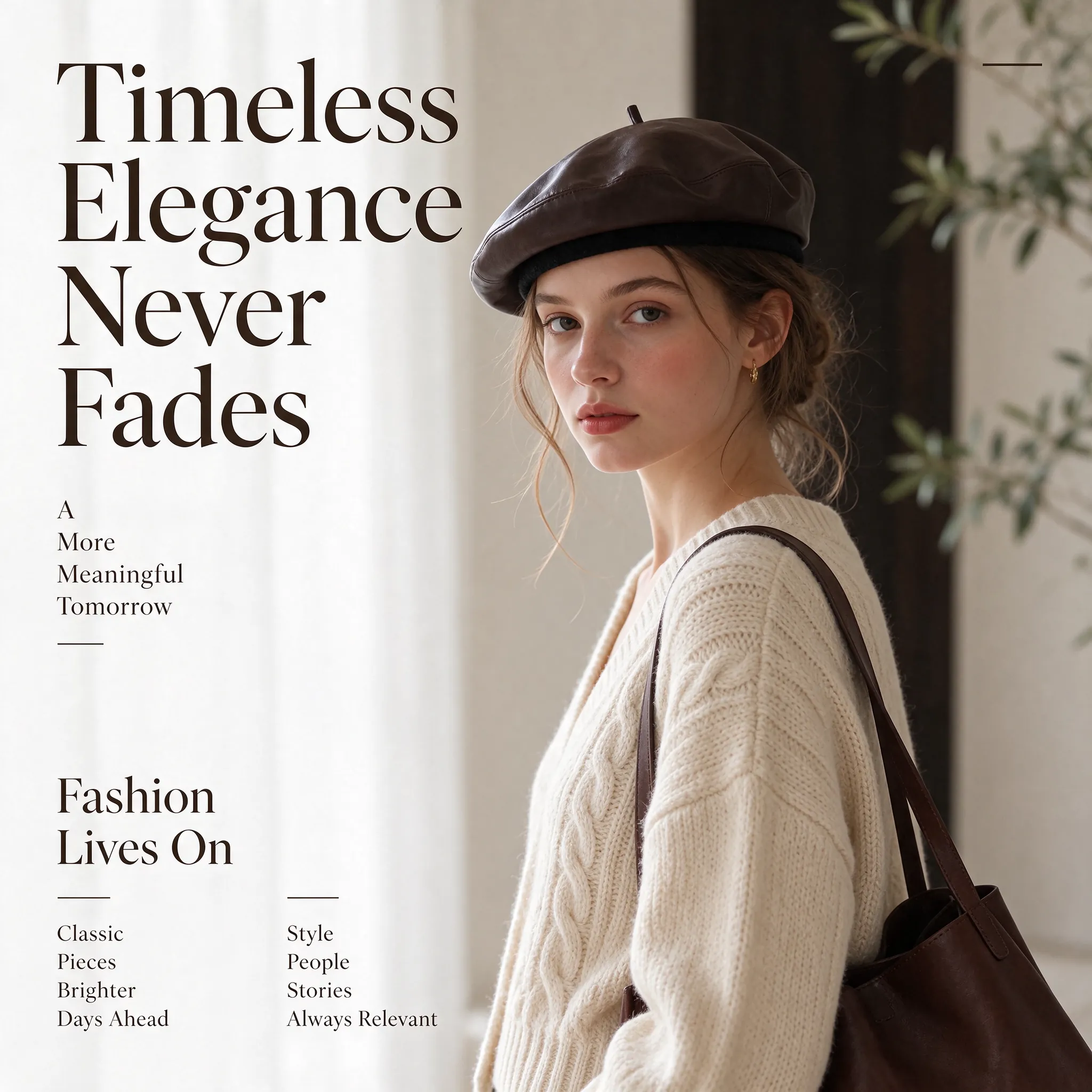
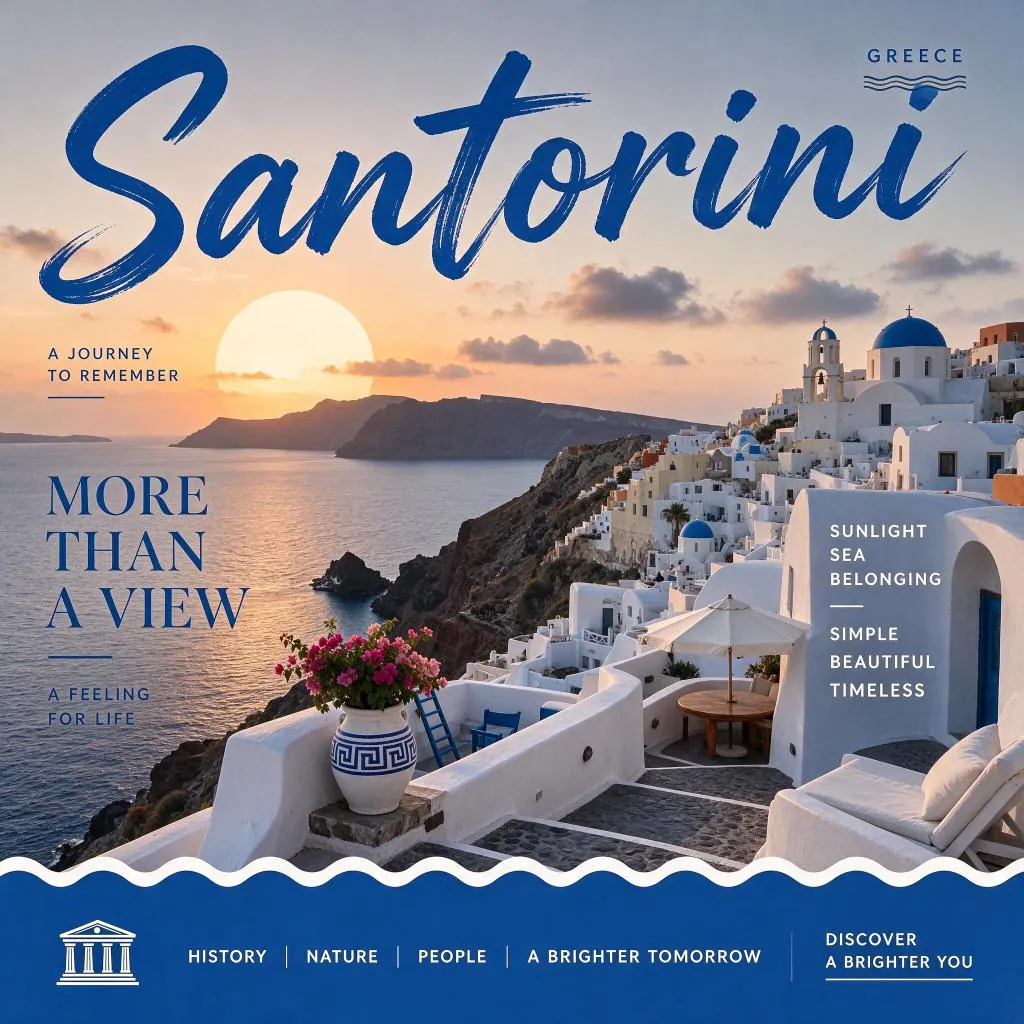
Try the ByteDance Seedream 5.5 API on Flaq AI to generate images from text. Describe a product shot, a scene, or an illustration and explore visual variations.
Try the AI Image Generator now
| Parameters | Price | Original Price | Discount |
|---|


 seedance-v1.5-pro-text-to-videotext-to-videoseedance-v1.5-pro-image-to-videoimage-to-videoseedance-v2.0-text-to-videotext-to-videoseedance-v2.0-image-to-videoimage-to-videoseedance-v2.0-reference-to-videoreference-to-videoseedance-v2.0-fast-text-to-videotext-to-videoseedance-v2.0-fast-image-to-videoimage-to-videoseedance-v2.0-fast-reference-to-videoreference-to-videoseedance-v2.0-mini-text-to-videotext-to-videoseedance-v2.0-mini-image-to-videoimage-to-videoseedance-v2.0-mini-reference-to-videoreference-to-videoseedance-v2.5-text-to-videotext-to-videoseedance-v2.5-image-to-videoimage-to-videoseedance-v2.5-reference-to-videoreference-to-video
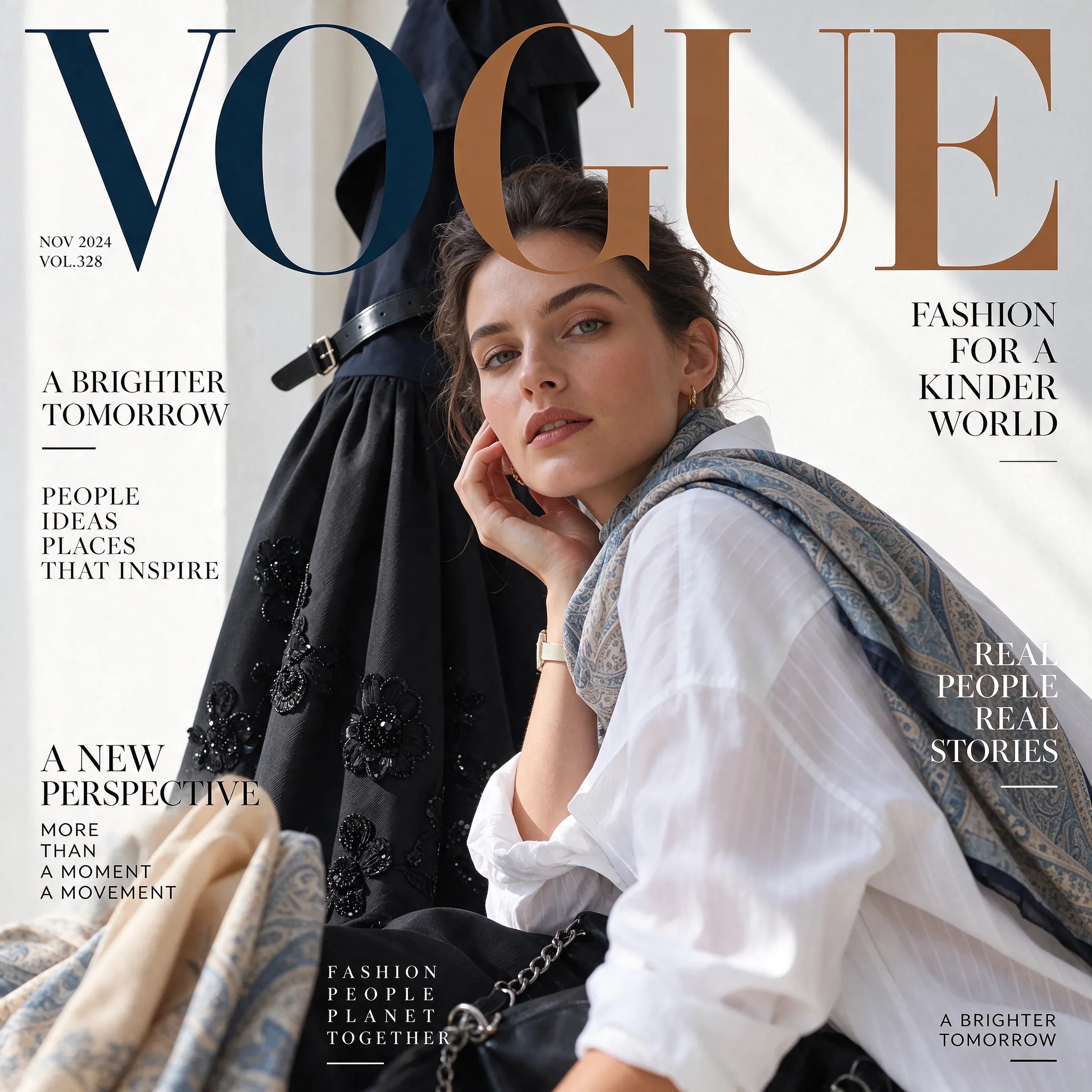
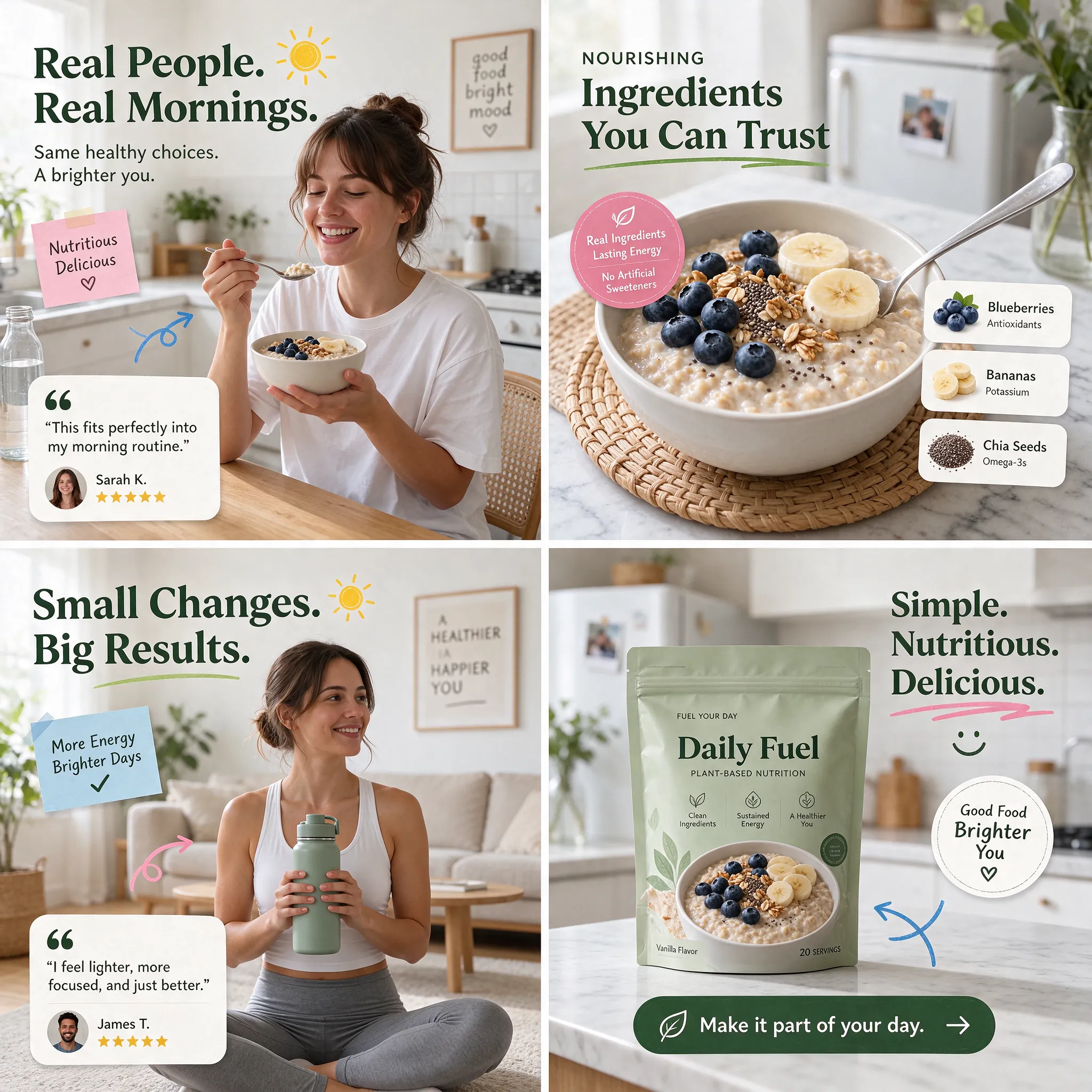
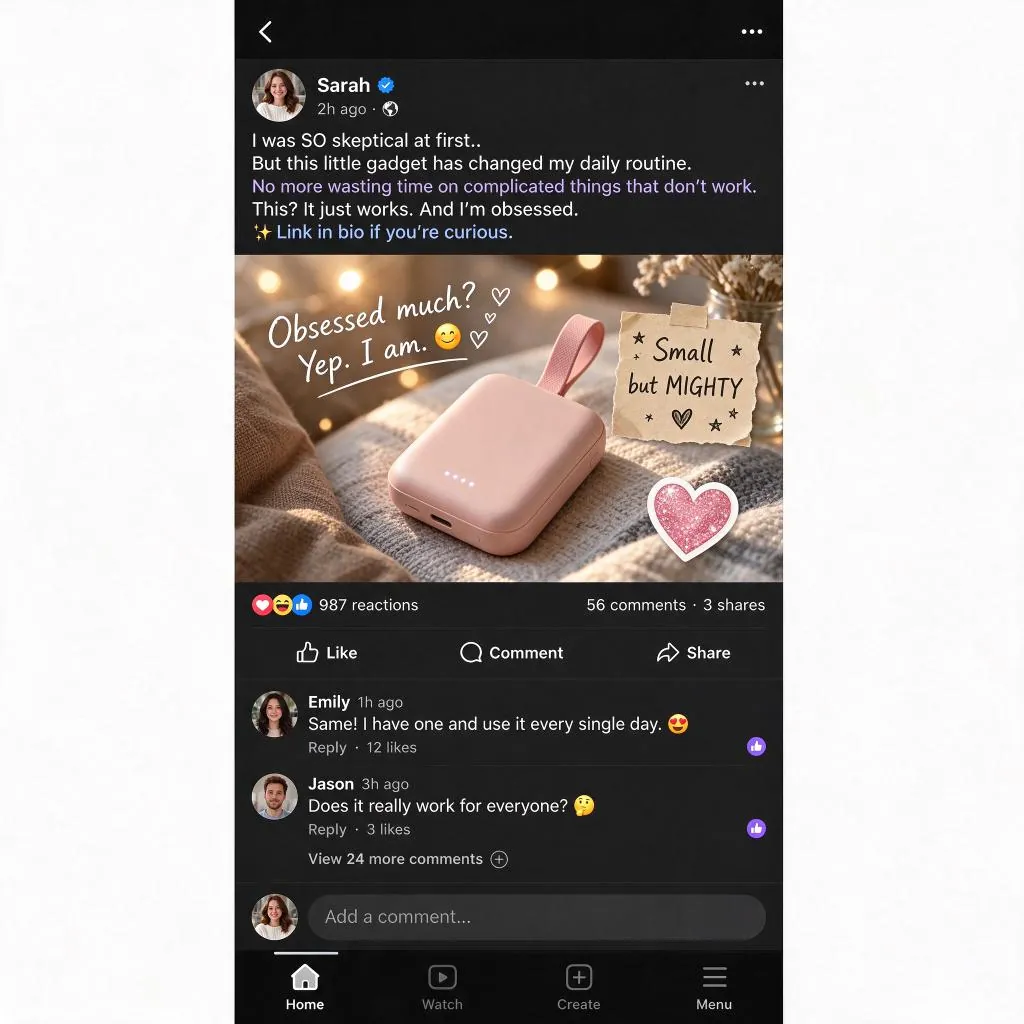
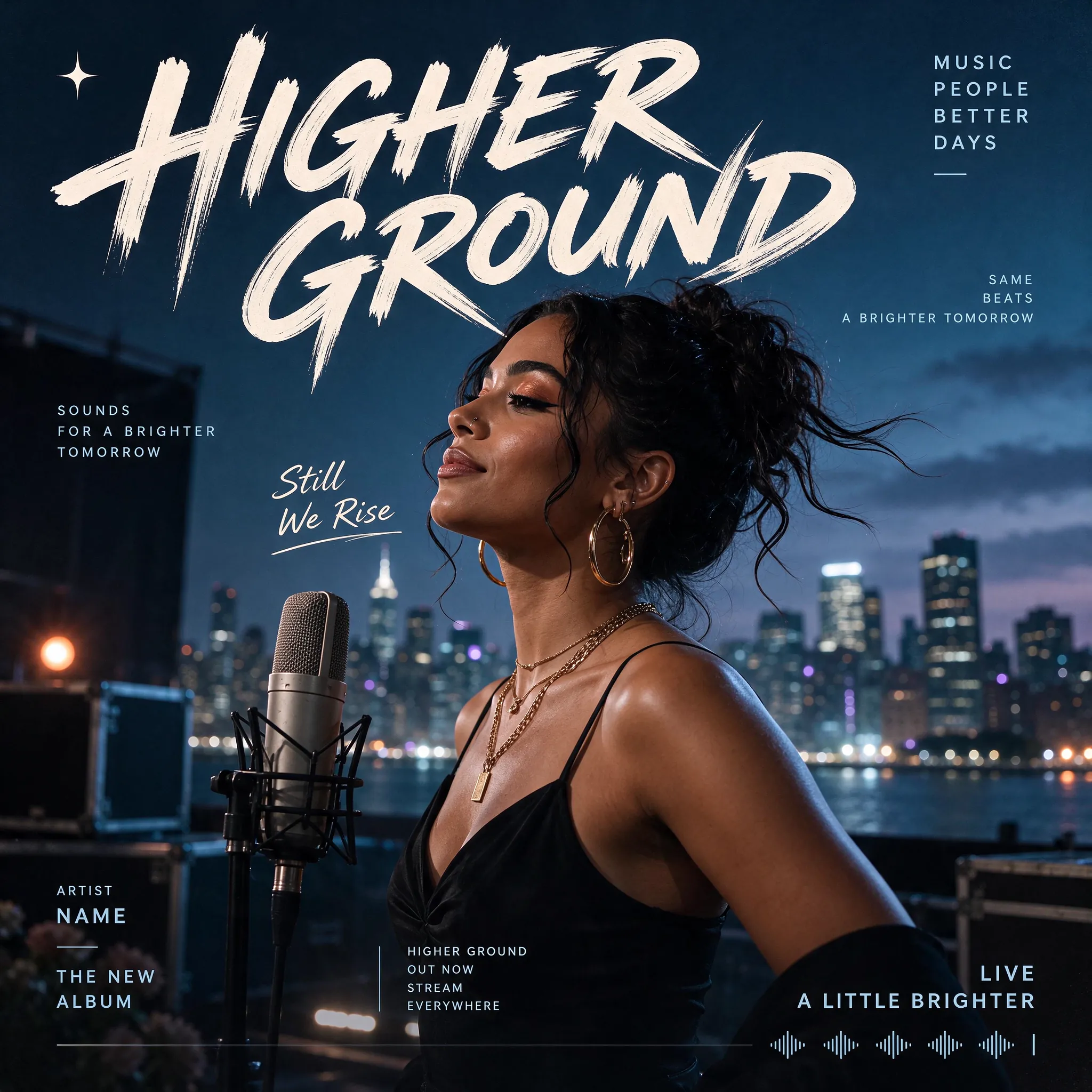
Seedream 5.5 API brings ByteDance's text-to-image model to Flaq AI for creating photographic visuals, text-rich designs, and reusable transparent assets. Describe your creative brief, choose the output proportions and resolution, and generate a PNG for your design workflow. Seedream 5.5 combines natural lighting and material rendering with native transparency, making it useful for both complete scenes and individual graphic elements.
Note Use prompts that comply with ByteDance's safety guidelines. If a request fails, check the inputs and returned error before retrying.
Seedream 5.5 vs. Seedream 5.0 Pro
Seedream 5.5 improves realism and text rendering over Seedream 5.0 Pro and adds native RGBA generation. It supports workflows that combine photographic visuals, text-rich layouts, and reusable transparent assets.
Seedream 5.5 vs. ChatGPT Images 2.5 Flare
On Flaq AI, ChatGPT Images 2.5 Flare offers separate quality settings alongside resolution controls. Seedream 5.5 provides background selection with PNG output. Choose based on the controls your application needs and compare results using representative prompts.
Explore several AI creation tools for quick image and video workflows in your browser, then scale successful ideas with Flaq AI's production-ready model APIs. Flaq AI provides a unified API layer for all models, making it easy to use and scale your workflows.
Create AI images from text prompts

Create AI images from images and text prompts

Create AI videos from text prompts

Animate images into AI videos

Create AI images and videos in one unified workspace

Create consistent videos from reference media

Build visual AI image and video workflows on an infinite canvas
const response = await fetch('https://api.flaq.ai/api/v1/image/task', {
  method: 'POST',
  headers: {
    'Content-Type': 'application/json',
    'Authorization': 'Bearer YOUR_API_KEY'
  },
  body: JSON.stringify({
    model_name: 'seedream-v5.5',
    prompt: 'Editorial fashion portrait, soft window light, muted palette',
    resolution: '1.5k',
    width: 16,
    height: 9,
    background: 'auto'
  })
});

const { data } = await response.json();
const taskId = data.task_id;
// Step 2: Poll for results
const taskId = data.task_id;

const pollResult = async (taskId) => {
  const res = await fetch(`https://api.flaq.ai/api/v1/image/${taskId}`, {
    headers: { 'Authorization': 'Bearer YOUR_API_KEY' }
  });
  return res.json();
};

while (true) {
  const pollResultData = await pollResult(taskId);
  const status = pollResultData.data.task_status;

  if (status === 'succeed') {
    console.log(pollResultData.data.task_result.images[0].url);
    break;
  }

  if (status === 'failed') {
    console.error(pollResultData.data.task_status_msg);
    break;
  }

  await new Promise(resolve => setTimeout(resolve, 10000));
}
import requests

response = requests.post(
    'https://api.flaq.ai/api/v1/image/task',
    headers={
        'Content-Type': 'application/json',
        'Authorization': 'Bearer YOUR_API_KEY'
    },
    json={
        'model_name': 'seedream-v5.5',
        'prompt': 'Editorial fashion portrait, soft window light, muted palette',
        'resolution': '1.5k',
        'width': 16,
        'height': 9,
        'background': 'auto'
    }
)

task_id = response.json()['data']['task_id']
# Step 2: Poll for results
task_id = response.json()['data']['task_id']
poll_url = f"https://api.flaq.ai/api/v1/image/{task_id}"

while True:
    poll_result = requests.get(poll_url, headers={'Authorization': 'Bearer YOUR_API_KEY'}).json()
    status = poll_result['data']['task_status']
    if status == 'succeed':
        print(poll_result['data']['task_result']['images'][0]['url'])
        break
    if status == 'failed':
        print(poll_result['data']['task_status_msg'])
        break
    time.sleep(10)
curl -X POST https://api.flaq.ai/api/v1/image/task \
  -H "Content-Type: application/json" \
  -H "Authorization: Bearer YOUR_API_KEY" \
  -d '{
    "model_name": "seedream-v5.5",
    "prompt": "Editorial fashion portrait, soft window light, muted palette",
    "resolution": "1.5k",
    "width": 16,
    "height": 9,
    "background": "auto"
  }'
# Step 2: Poll for results
# Replace {task_id} with the task_id returned from the submit response
curl -X GET "https://api.flaq.ai/api/v1/image/{task_id}" \
  -H "Authorization: Bearer YOUR_API_KEY"