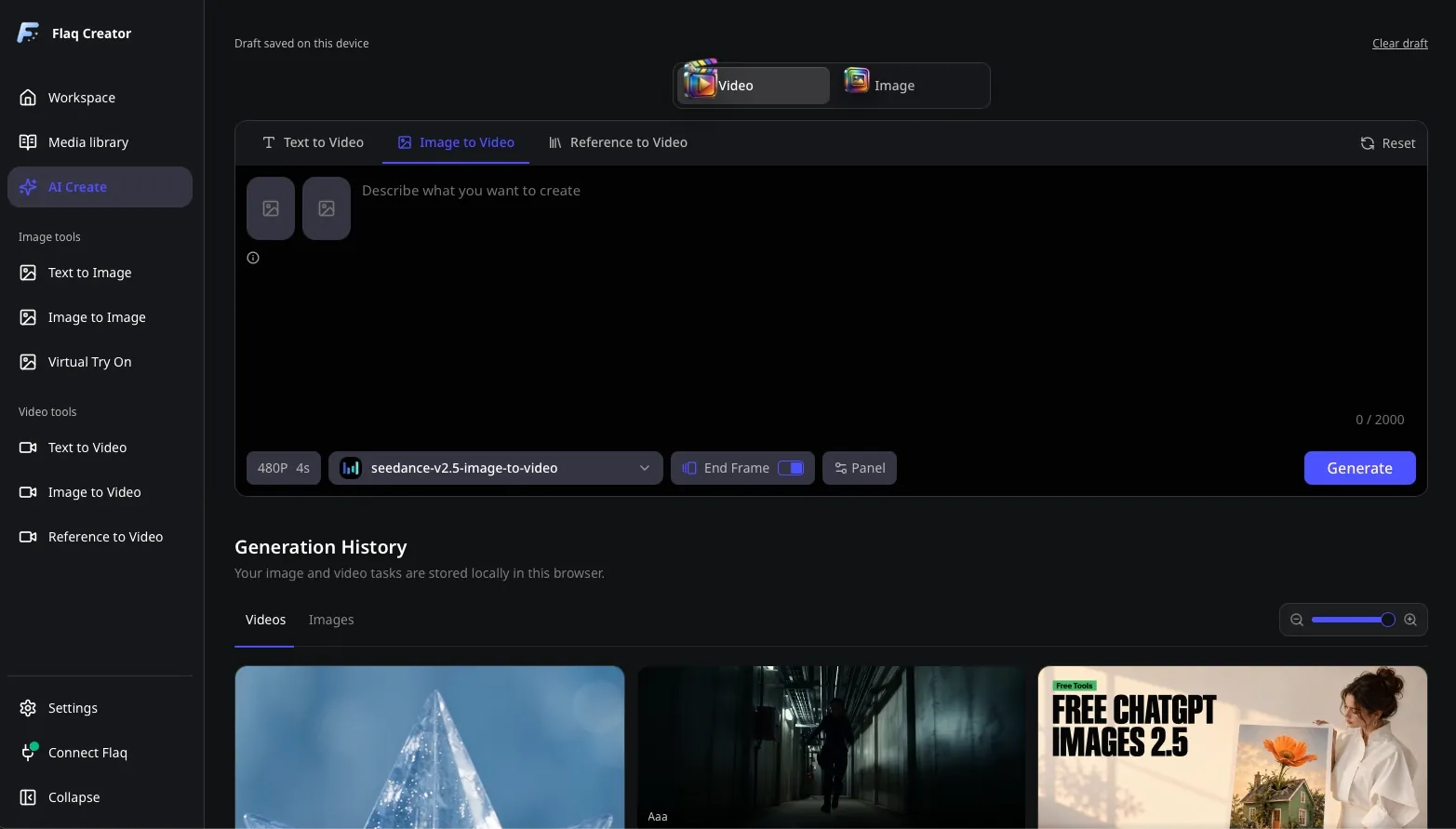
One creative workspace
Generate images, edit photos, try on outfits, and create videos in one app. Move between tools as your idea takes shape.
Your desktop creative workspace
Download the open-source AI desktop client for Mac and Windows. Turn prompts and reference images into images and videos, explore creative ideas, and keep your media organized.
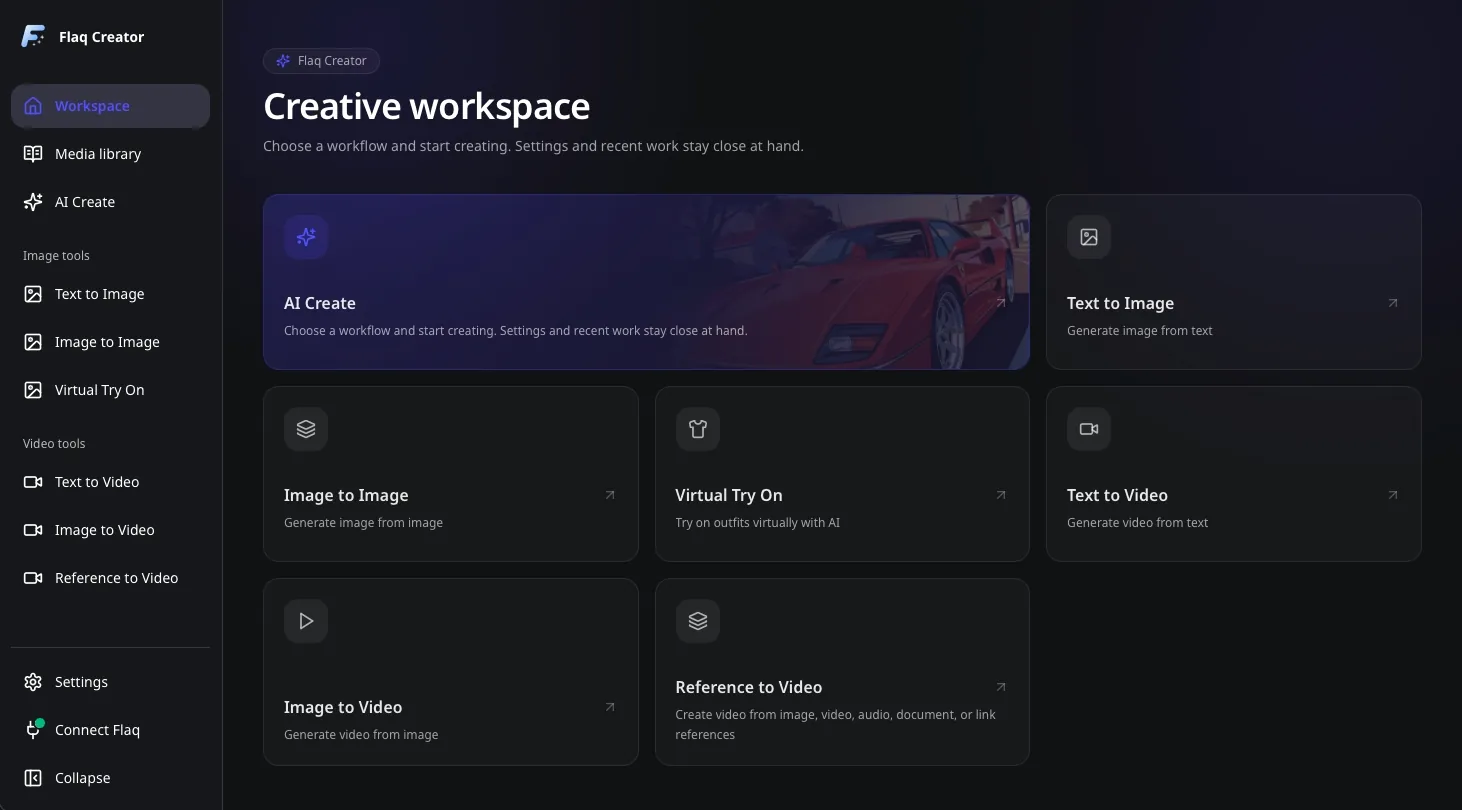
An open-source AI desktop client that brings creative tools, saved media, and prompt inspiration together.
Generate images, edit photos, try on outfits, and create videos in one app. Move between tools as your idea takes shape.
Keep saved images, videos, and references in a local catalog. Search your history and revisit the work you need for your next project.
Explore complete prompts alongside image and video examples. Adapt their composition, style, and motion to develop your own ideas.
Download an open-source desktop workspace, create online in your browser, or connect the API to your own application.
Flaq.ai Desktop is available for Mac and Windows. Choose the installer for your processor and use an internet connection for AI generation.
Connect your Flaq account and create your first image or video in four simple steps.
Download and install the app
Choose the installer for your Mac processor or Windows PC from the downloads above. Install Flaq.ai Desktop, then open the app.
Create your Client Key
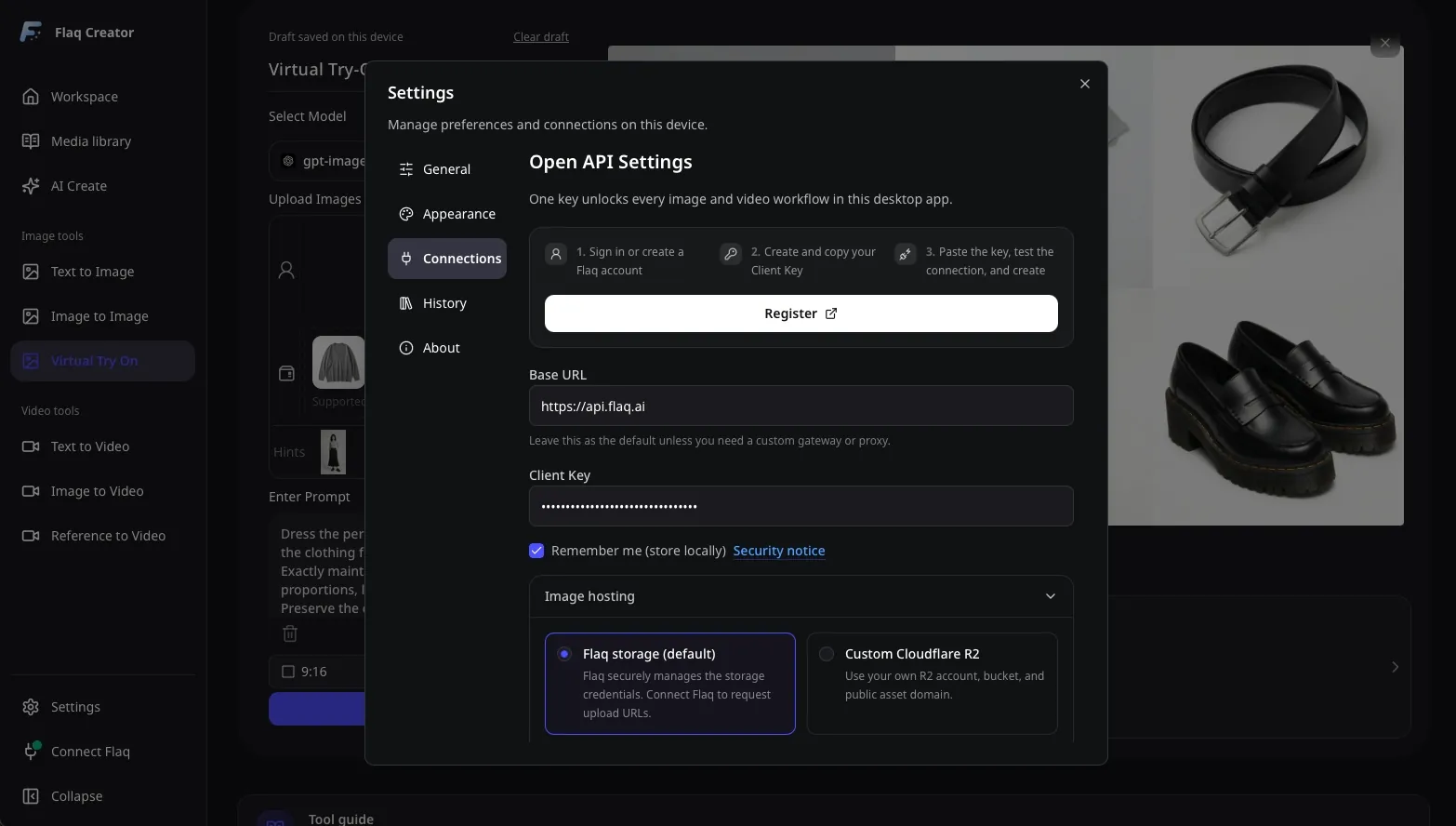
Sign in to Flaq AI in your browser, open API Keys, and create a Client Key for the desktop app. Make sure your account has credits available for generation.
Connect your Flaq account
Enter your Client Key in the app's setup screen. Keep the default connection settings, then select Save and Test to check your connection.
Create your first image or video
Choose an image or video tool and select a model. Enter a prompt, add any required reference images, adjust the available settings, and start generating.
Want to try an idea before downloading? Open a Flaq AI tool in your browser to generate images, animate a photo, or create a video from references.

Create AI images from text prompts

Create AI images from images and text prompts

Create AI videos from text prompts

Animate images into AI videos

Create AI images and videos in one unified workspace

Create consistent videos from reference media

Build visual AI image and video workflows on an infinite canvas
Try the free online image and video tools below with no desktop installation. Pick a tool, add your prompt or reference image, and start creating.

The platform now offers free access to the Nano Banana model for image generation. Powered by Flaq AI's elastic compute pool, this tool helps users rapidly convert ideas into visual assets. Minimal operation: No complex API setup—generate images instantly from your ideas right in your browser. Instant feedback: Flaq’s millisecond-level inference optimization delivers smooth, frustration-free generation with no long waits. Prototype validation: Generated images are ready for product prototyping or creative exploration, empowering rapid iteration for developers.

Free to create detailed visuals with a free GPT Image 2 generator and AI image editor. Generate images from text prompts, or upload reference images to guide edits, redesigns, style tests, product concepts, posters, social media graphics, and realistic creative scenes.

Free to transform uploaded visuals with a free Image to Image generator and AI image editor. Use reference images to guide edits, redesigns, style changes, product concepts, and creative variations without signup or a credit card.

Free to create and edit detailed visuals with a free AI image editor powered by GPT Image 2. Generate images from text prompts, or upload reference images to guide edits, redesigns, style tests, product concepts, posters, social media graphics, and realistic creative scenes.
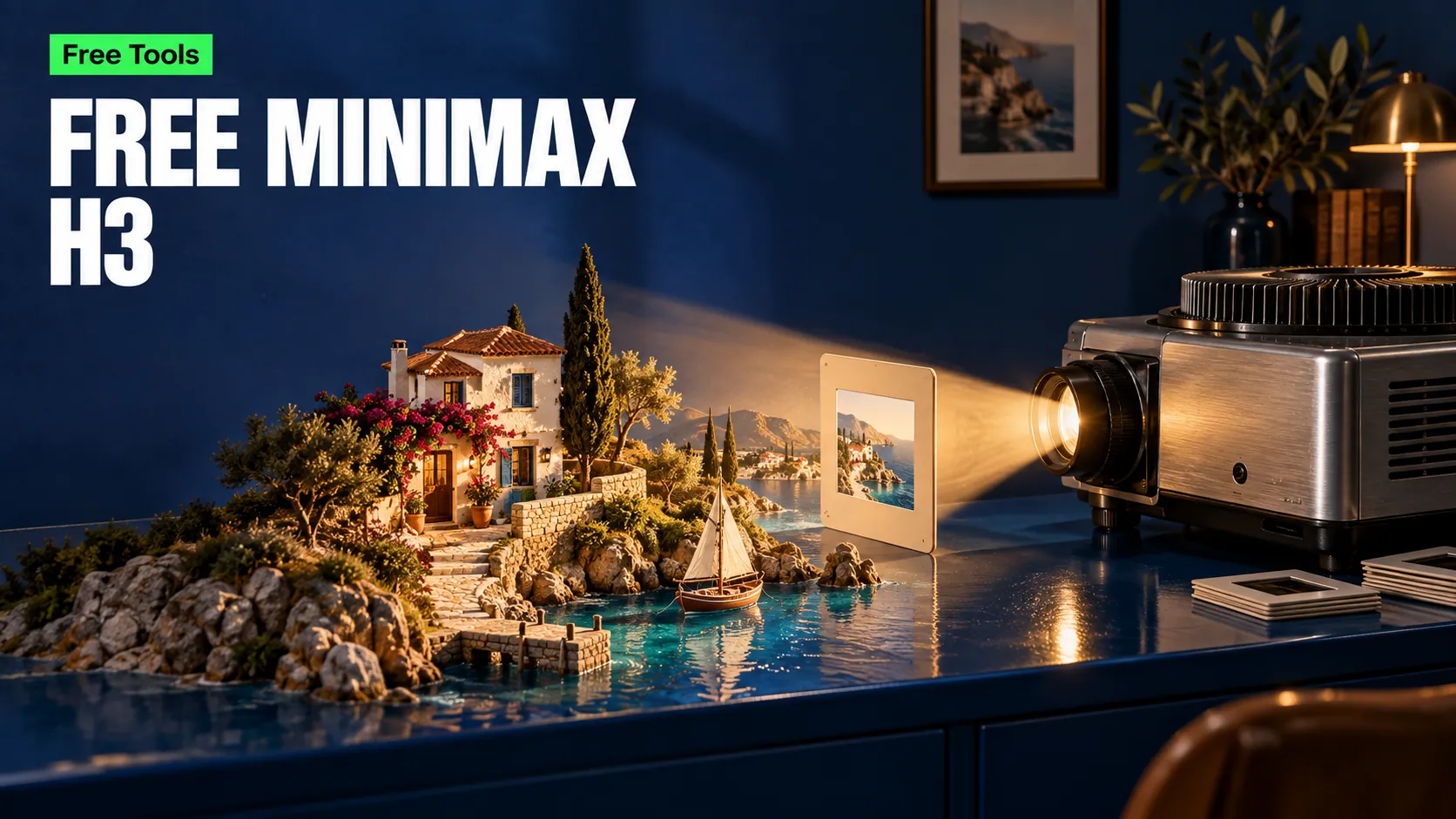
Free to create short AI videos with MiniMax H3 from text prompts or a pair of start and end images. Describe the action, setting, and camera movement to generate scenes with built-in audio for product reveals, social media clips, visual stories, and creative experiments.
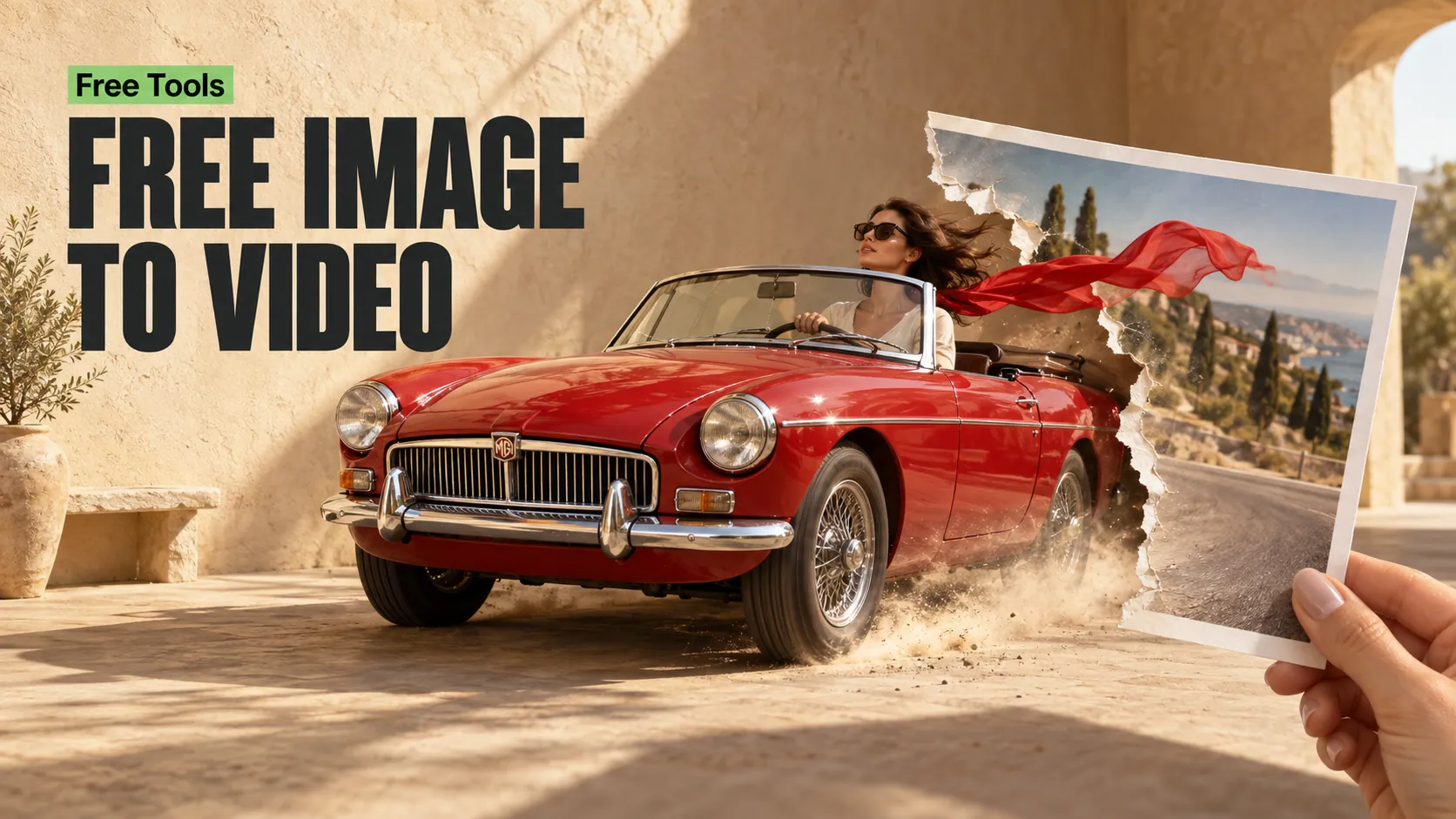
Free to animate images with an Image to Video generator powered by MiniMax H3. Upload a start image and an end image, then describe the movement and transition between them to create product reveals, scene changes, and short visual stories with built-in audio.
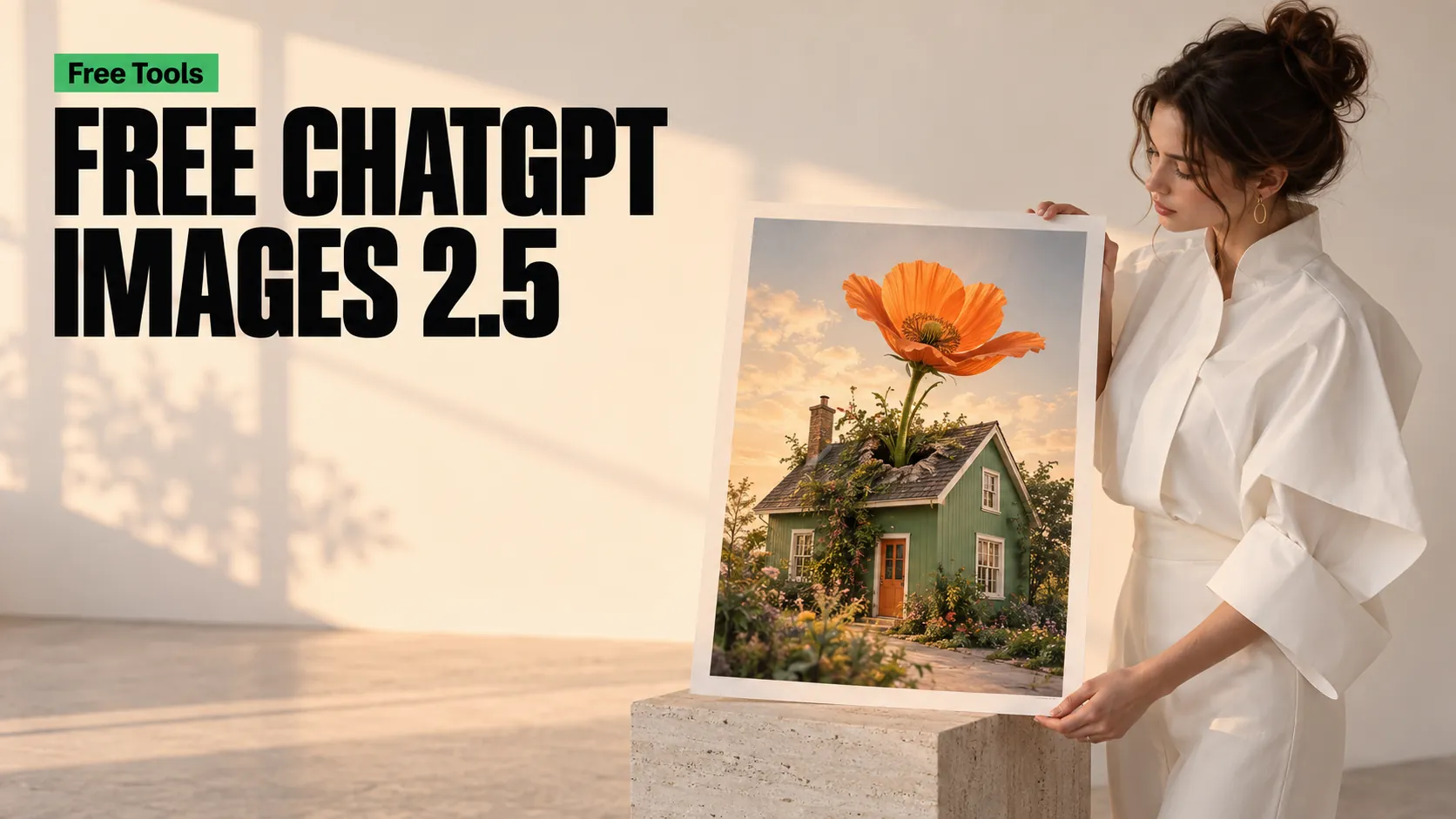
Free to create and edit detailed visuals with ChatGPT Images 2.5. Generate images from text prompts, or upload one reference image to guide background changes, lighting adjustments, and focused edits for product concepts, posters, social media graphics, and realistic creative scenes.
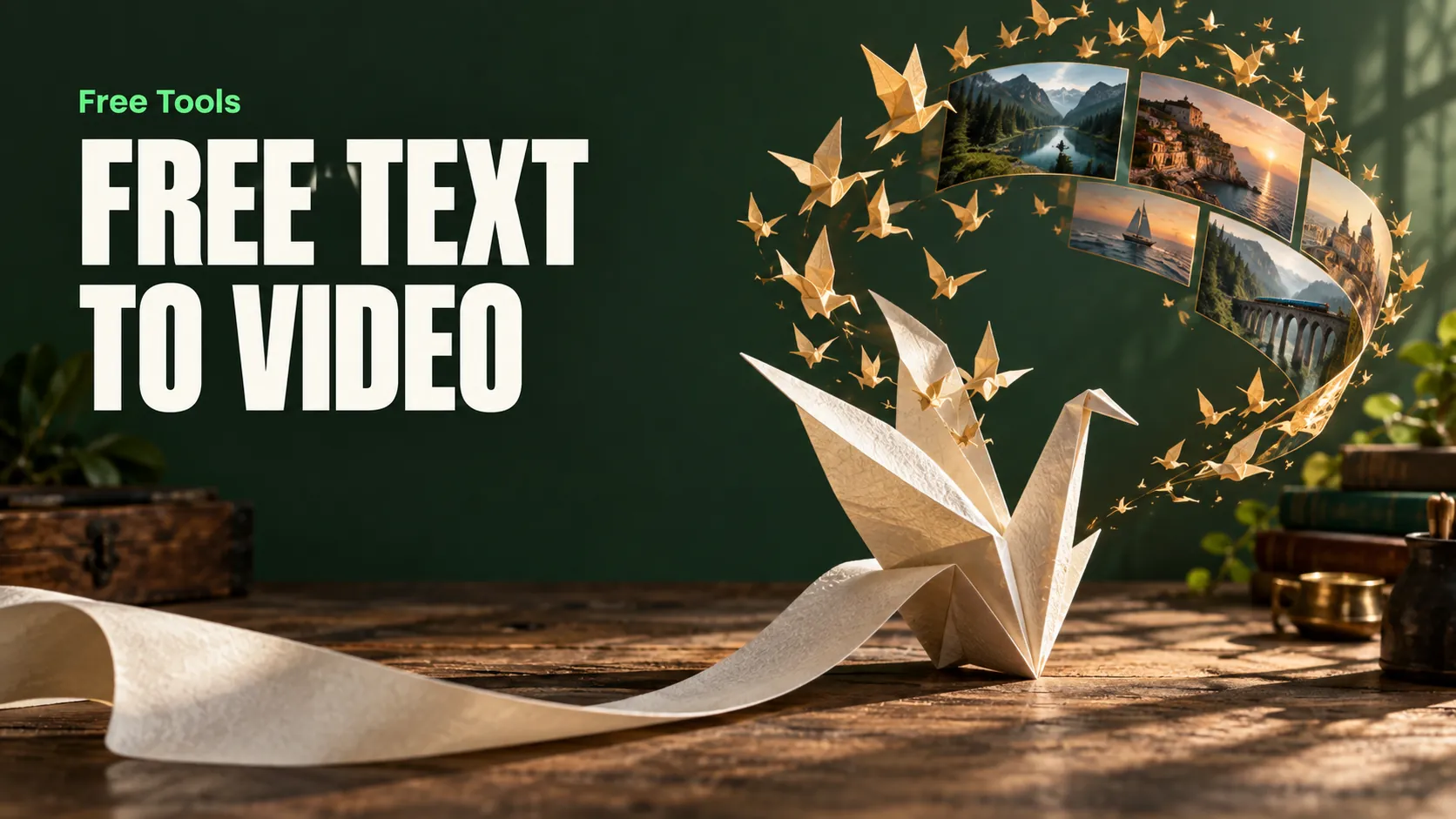
Free to turn written ideas into short AI videos with a Text to Video generator powered by MiniMax H3. Describe the subject, action, lighting, and camera movement to create scenes with built-in audio for social media, product concepts, and visual storytelling without uploading an image.
Bring your next idea to life
Choose your Mac or Windows download, connect your Flaq account with a Client Key, and create your first AI image or video.