The Wan 3.0 new release is now available on Flaq AI for image-to-video generation. It gives creators a structured way to animate a required start frame toward a required end frame, with prompt-guided motion, optional sound, seed control, five aspect ratios, and output from 480p to 1080p. For cinematic video creation, that endpoint-to-endpoint control can matter more than resolution alone.

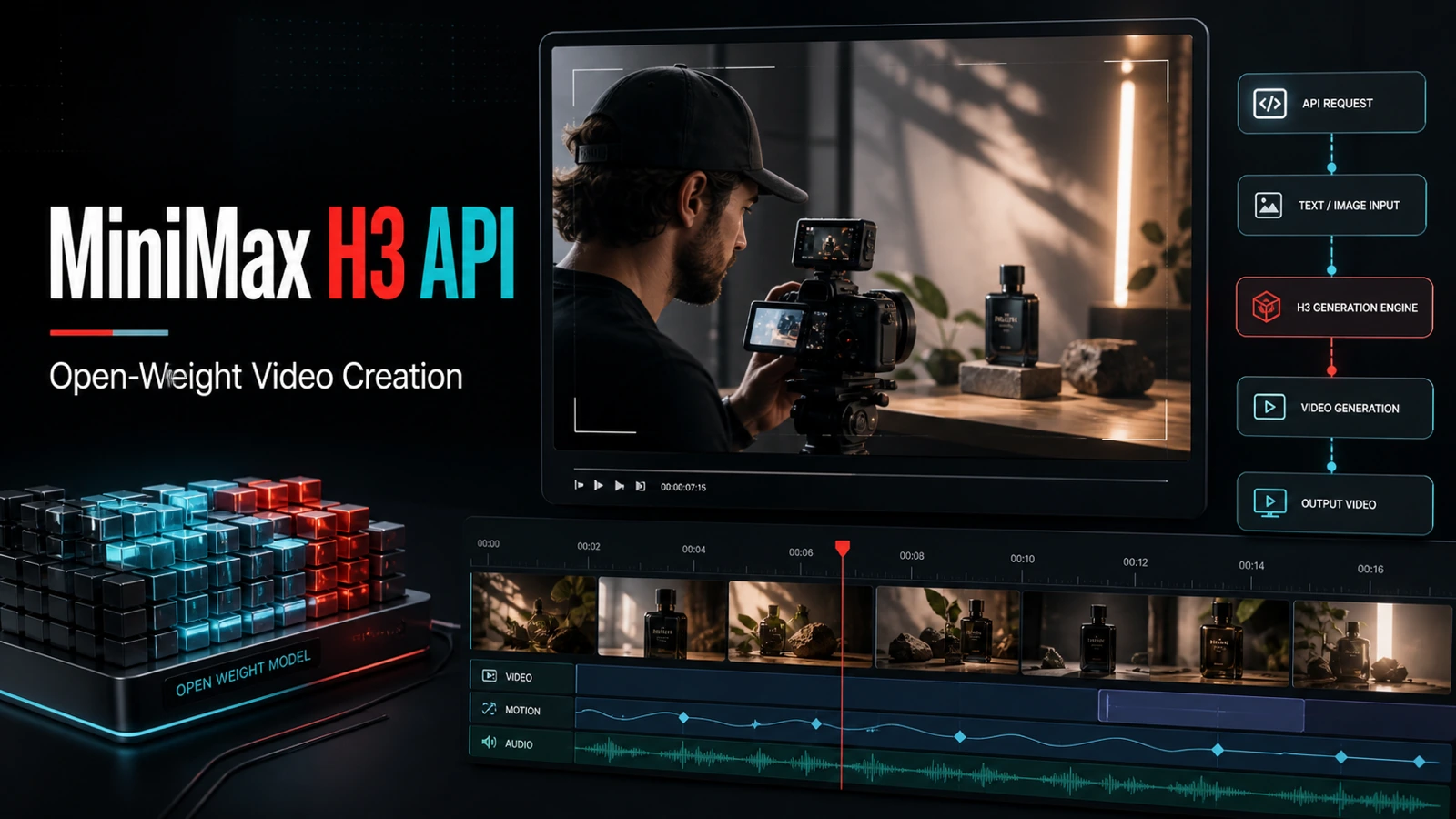
Wan 3.0 can produce a more controlled result than MiniMax H3 when a shot must begin and finish on approved compositions. It is not a universal quality winner: the linked MiniMax H3 route is text-to-video, offers up to 2K output, and costs less at several settings. The useful question is which model reaches the creative brief with fewer rejected generations and less editing.
Wan 3.0 New Release Is Live on Flaq AI
The Wan 3.0 Video API currently exposes an active playground and published pricing on Flaq AI. Its image-to-video workflow includes:
- required start and end frames;
- 2-to-15-second duration;
- 480p, 720p, and 1080p output;
- 16:9, 9:16, 1:1, 4:3, and 3:4 aspect ratios;
- optional generated sound;
- prompt optimization and optional seed control.
Public pricing is $0.05 per second at 480p, $0.10 at 720p, and $0.20 at 1080p. A ten-second generation therefore costs $0.50, $1.00, or $2.00 before retries. These rates make the new release easy to budget, although production cost should still be measured per approved clip.
Why Wan 3.0 Can Improve Cinematic Video Creation
Wan 3.0 is strongest when the first and last images are part of the direction, not merely inspiration. The start frame anchors the subject and composition. The end frame tells the model where the shot must arrive. A motion prompt then defines the path between them: camera movement, performance, pacing, atmosphere, and environmental change.
This structure can improve cinematic detail in three practical ways. First, it gives a product reveal or character transition a planned destination. Second, optional sound keeps ambience and visual timing in one generation. Third, a seed makes controlled prompt experiments easier to organize, even though exact reproducibility should still be tested.
“Fewer limitations” should be understood as broader creative control, not weaker safety rules. Wan 3.0 offers multiple delivery ratios, three resolution tiers, sound, and explicit endpoint frames. It does not remove consent, copyright, likeness, platform, or content-policy requirements.
Wan 3.0 vs MiniMax H3: Price, Detail, and Control

The comparison is useful only if the input difference stays visible. Wan 3.0 is an image-to-video workflow with required start and end frames. The requested MiniMax H3 Video API begins from text, so it is better suited to open scene generation without prepared keyframes.
| Decision factor | Wan 3.0 Image to Video | MiniMax H3 Text to Video | Practical reading |
|---|---|---|---|
| Input | Start frame + end frame + prompt | Text prompt | Wan offers stronger endpoint control; H3 starts faster from an idea |
| Duration | 2-15 seconds | 5-15 seconds | Wan supports shorter test clips; both reach 15 seconds |
| Resolution | 480p, 720p, 1080p | 768p, 2K; public pricing also lists 480p | H3 has the higher listed ceiling |
| Price | $0.05/s, $0.10/s, $0.20/s | $0.04/s, $0.10/s, $0.14/s | H3 is cheaper at 480p and its top tier; 720p and 768p share a $0.10/s rate but are not identical |
| Aspect ratios | Five common ratios | Six common ratios | H3 adds 21:9; both cover major social formats |
| Sound | Optional generated sound | No sound control listed in the compared interface | Wan is clearer for audiovisual shots |
| Best fit | Controlled transitions and image-led shots | Text-led concepts and high-resolution exploration | Choose by source material and delivery goal |
Wan 3.0 may deliver the better effect when continuity between two approved frames is essential. MiniMax H3 may be the better value when the team needs inexpensive prompt exploration or 2K delivery. Neither conclusion should be inferred from specifications alone; test the same creative goal and compare subject integrity, hands, product geometry, camera compliance, motion continuity, sound timing, and final-frame accuracy.
Wan 3.0 Use Cases for UGC, Products, and Short Drama

Product launches and ecommerce
Use a clean product hero image as the opening frame and a final packshot as the ending frame. Wan 3.0 can connect them with a controlled orbit, material highlights, environmental effects, and sound. Exact labels, prices, and claims should still be added in an editor.
UGC and creator-style advertising
Prepare two rights-cleared frames that keep the creator, wardrobe, product, and background consistent. Ask for subtle eye movement, a restrained gesture, and one camera behavior. Human review remains essential for faces, fingers, logos, and truthful product representation.
Short drama and character moments
Two frames can define an emotional beat: uncertainty at the beginning and recognition at the end. A focused prompt can guide the turn, camera push-in, lighting change, and ambience. Keep each generation to one narrative action for cleaner continuity.
Storyboards and visual transitions
Directors can connect storyboard keyframes before committing to a shoot. Marketing teams can also animate posters, concept art, or campaign images into vertical and landscape variants. The result is useful for previsualization even when it is not the final production asset.
A Practical Wan 3.0 Cinematic Prompt Workflow
- Prepare aligned endpoint frames. Match the subject, aspect ratio, and visual logic. Avoid transparent PNG files and keep both frames suitable for the chosen format.
- Describe the transition, not the still images. Specify ordered action, camera path, pacing, lighting change, sound, and what must remain stable.
- Test cheaply first. Start with two to six seconds at 480p, then increase duration or resolution after the motion works.
- Review frame by frame. Check identity, object shape, contact points, reflections, scene continuity, audio timing, and the final composition.
Example prompt:
Begin on the supplied close product frame and end on the supplied wide hero frame. The camera pulls back slowly as warm light travels across the metal surface and fine mist reveals the surrounding set. Preserve product proportions and materials, controlled cinematic pacing, subtle mechanical ambience, no readable text, no extra objects, finish exactly on the ending composition.
Change one variable per test. This makes failed generations useful and keeps the relationship between prompt wording, source frames, and output quality measurable.
Wan 3.0, MiniMax H3, and Flux 3 in a Multi-Model Stack
One model does not need to handle every shot. Use Wan 3.0 for explicit start-to-end transitions, MiniMax H3 for text-led ideation and economical high-resolution exploration, and the Flux 3 Video API when a single opening image, optional sound, up to 20 seconds, and 720p or 1080p delivery fit the brief.
The model with the lowest price per second is not always the lowest-cost production choice. Track retries, reviewer time, correction effort, and usable duration. A more expensive model can still win if it produces more approved footage.
Online Tools for UGC and Video Creation
Creators who prefer a browser workflow can use the Reference to Video Generator for multi-reference guidance and the Image to Video Generator for direct still-image animation. These tools are useful for testing a creative direction before moving it into an API pipeline.
For adjacent creative work, explore Best Image AI for image generation, VideoWeb AI for online AI video workflows, and Flyne AI for image and video creation.
Recommended Reading
- MiniMax H3 API and Open Source Video Creation vs Seedance 2.0
- Seedance 2.5 API for Cinematic Videos Is Live: Pricing, Features, and Model Comparison
FAQ
Is Wan 3.0 available on Flaq AI now?
Yes. The rendered Wan 3.0 image-to-video page currently shows an enabled Generate control, three public price tiers, and active resolution and aspect-ratio settings.
Is Wan 3.0 better than MiniMax H3?
Wan 3.0 can be better for a controlled transition between required start and end frames, especially when optional sound matters. MiniMax H3 is better suited to text-led generation, costs less at several tiers, and offers up to 2K output.
How much does the Wan 3.0 Video API cost?
Flaq AI currently lists Wan 3.0 at $0.05 per second for 480p, $0.10 for 720p, and $0.20 for 1080p. Recheck the live page before budgeting because pricing can change.
Does Wan 3.0 support real people?
It can animate rights-cleared frames containing people, but creators should obtain likeness permission, avoid impersonation or fake endorsements, disclose synthetic media where appropriate, and review every result before publishing.
Conclusion
The Wan 3.0 new release gives cinematic video creation teams a practical image-led workflow with required endpoint frames, optional sound, Seed control, social-ready formats, and transparent pricing. Its clearest advantage over MiniMax H3 is controlled start-to-end motion, not universal superiority. Use the Wan 3.0 Video API for a matched test, then choose the model that delivers the lowest cost per approved clip.
Sources and Verification Notes
- Flaq AI rendered model pages for Wan 3.0, MiniMax H3, and Flux 3 were checked on August 25, 2026.
- Wan 3.0 search-index content lagged behind the rendered product state; live controls and pricing were verified on the rendered page.
- Prices, availability, model controls, and output behavior can change. A successful paid generation was not run for this article.