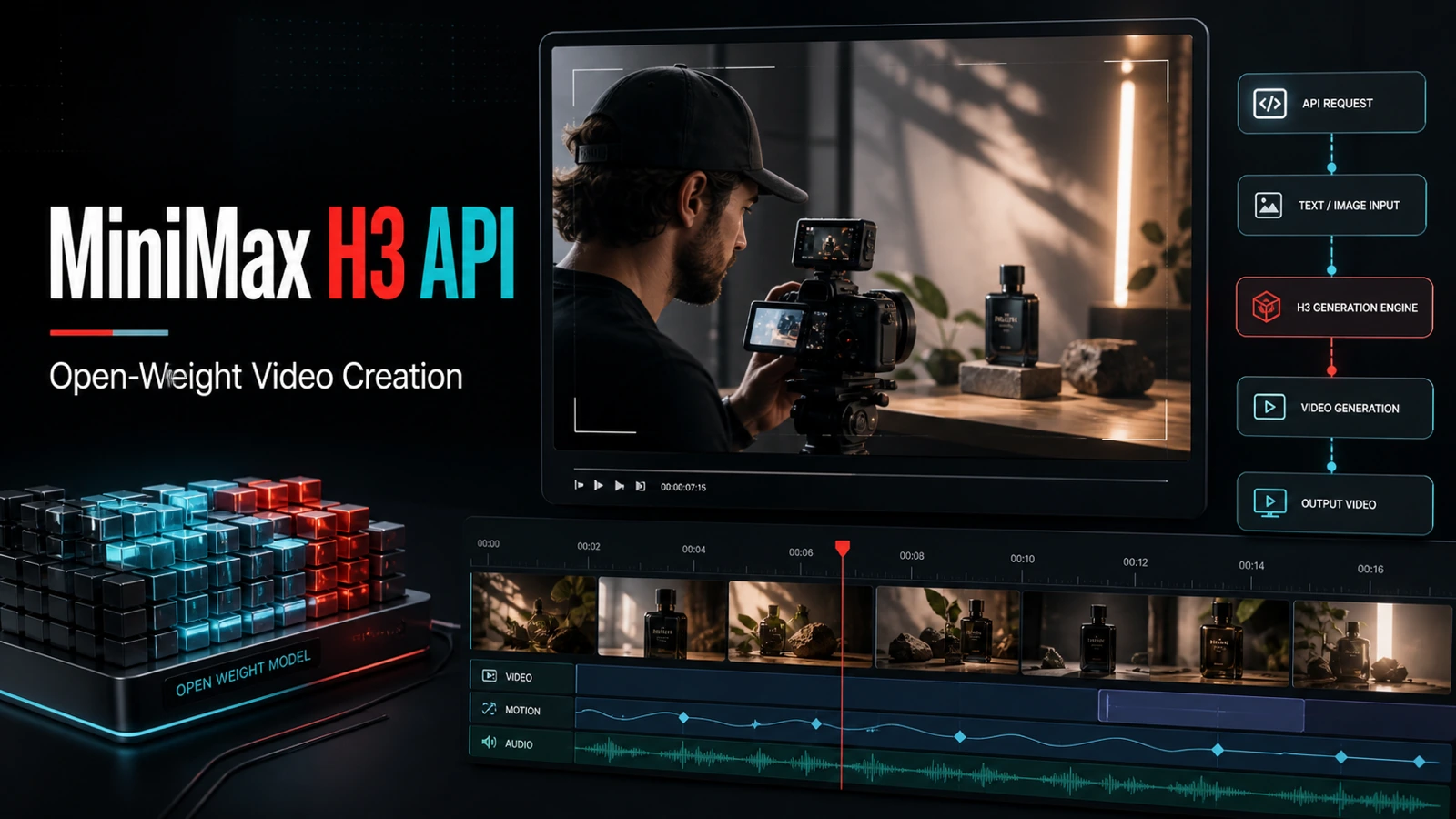
The MiniMax H3 API gives video teams a useful combination: image-to-video generation, 768p and 2K output options, clips up to 15 seconds, and a lower listed cost than several comparable Seedance 2.0 settings. MiniMax has also published H3-Base weights on Hugging Face, creating new options for research, custom pipelines, and self-hosted experimentation where its license permits.

The headline is cost, but the real story is flexibility. Creators can use the hosted MiniMax H3 API on Flaq AI for fast production, while developers can study the released model components and build specialized workflows. Seedance 2.0 remains valuable when a project needs a wider choice of output resolutions or explicitly selectable audio generation. The right model depends on the shot, not the loudest claim.
Why the MiniMax H3 API Matters for Open Source Video Creation
MiniMax H3 is an omni-modal video system designed to understand combinations of text, images, video, and audio. Its official model card describes 4-15 second generation, multiple aspect ratios, 24 fps video, stereo audio, and output up to 2K through the complete hosted workflow. For image-to-video work on Flaq AI, the current public specification lists a required starting frame, an optional ending frame, 5-15 second duration, and 768p or 2K output.
The phrase MiniMax H3 Open Source needs one important qualification. MiniMax has released H3-Base weights and deployment resources on Hugging Face under a custom Community License, rather than a standard unrestricted open-source license. The release includes FL2VA checkpoints for text or first/last-frame generation and Ref2VA checkpoints for multimodal reference generation. It also documents Diffusers, SGLang, vLLM, and ComfyUI workflows.
However, the hosted H3-Context-IR orchestration system and H3-Regenerate-2K module are not included in the initial release. The license also contains territorial, commercial, redistribution, disclosure, and acceptable-use conditions. Teams should review it before local deployment. Open weights provide meaningful technical access; they do not remove consent, copyright, safety, or compliance obligations.
MiniMax H3 API vs Seedance 2.0: Price, Detail, and Practical Trade-Offs
MiniMax H3 is especially attractive when a team needs to test many visual directions without paying a premium rate for every draft. The table below uses public Flaq AI pricing checked on August 6, 2026. Prices and availability can change, so confirm the live model page before budgeting a production run.

| Comparison point | MiniMax H3 API | Seedance 2.0 Video API | Practical reading |
|---|---|---|---|
| Listed near-HD rate | 768p at $0.09/second | 720p at $0.192/second | H3 is about 53% lower, although the resolutions are close rather than identical |
| 10-second near-HD example | $0.90 at 768p | $1.92 at 720p | H3 saves $1.02 per test clip at these settings |
| Higher-detail listed rate | 2K at $0.13/second | 1080p at $0.48/second | Not an apples-to-apples resolution comparison; use output tests, not price alone |
| Duration | 5-15 seconds on the Flaq image-to-video route | 4-15 seconds | Seedance starts one second shorter; both support 15-second clips |
| Frame guidance | Start frame required; end frame optional | Start frame required; end frame optional | Both can target a defined opening and ending composition |
| Audio setting on Flaq | Not listed in the public H3 image-to-video route specification | Audio can be switched on or off | Seedance is clearer when selectable audio is part of the brief |
| Open-weight path | H3-Base weights are publicly available under a custom license | No comparable public-weight claim used here | H3 offers more room for licensed deployment and pipeline research |
Price favors MiniMax H3 for high-volume iteration
At the listed near-HD settings, 100 ten-second H3 drafts would cost $90, while 100 Seedance 720p drafts would cost $192. That $102 difference can fund more hooks, camera treatments, or ending variations. It does not prove that every H3 result is cheaper to finish: a model that needs more retries can erase its per-second advantage.
Detail depends on generation quality, not resolution alone
H3's 2K option gives editors more pixels for crops, reframing, and large-screen delivery. MiniMax says its full 2K workflow regenerates the video with the original context to recover detail rather than applying conventional upscaling alone. Yet nominal resolution cannot guarantee accurate faces, hands, labels, textures, or motion. Review difficult frames and compare cost per usable clip.
Workflow control is broader, but responsible-use limits remain
The H3-Base release lets qualified teams inspect components, run licensed local experiments, adapt preprocessing, and integrate the model into internal review systems. That can reduce dependence on one interface and make repeatable batch workflows easier. It should never be framed as a way to bypass moderation or rights controls; both the model license and hosted services retain substantial rules.
Open-Weight MiniMax H3 Use Cases Beyond a Hosted API
The public weights turn H3 from a single generation endpoint into a development surface. The most useful extensions are operational rather than cosmetic.

- Private prototyping: Where the license permits, teams can evaluate unreleased products or storyboards inside an approved environment. Infrastructure, access control, and content governance still need to be designed.
- Custom prompt orchestration: Developers can transform a campaign brief into structured subjects, actions, shot timing, camera motion, sound, and constraints before inference. This is valuable because the official Context-IR service is not part of the open release.
- Domain adaptation: The complete released H3-Base weights support further development, including fine-tuning, subject to the Community License. Rights-cleared data can support experiments around product categories, visual styles, or recurring shot grammar.
- ComfyUI and production nodes: Official documentation points to ComfyUI templates as well as Diffusers, SGLang, and vLLM recipes. These tools can connect reference preparation, generation, file naming, review, and delivery.
- Batch UGC production: A controlled pipeline can generate several hooks from one approved product image, then route the results to human review. Cost ceilings and one-variable testing keep the process measurable.
- Research and optimization: Teams can study inference performance, quantization, scheduling, and preprocessing. Reproducible reports should state the checkpoint, hardware, settings, and whether hosted modules were used.
Local deployment is not automatically the lowest-cost route. H3 is a large model, and GPU capacity, storage, engineering, maintenance, and electricity can exceed API spend for modest workloads. A hosted MiniMax H3 API is usually the faster starting point; local infrastructure makes sense when customization, privacy, research, or sustained volume justifies it.
How MiniMax H3 Benefits UGC and Everyday Video Creation
For UGC video creation, the first frame does much of the creative work. Start with a clean portrait or product image that has enough space for movement. Then describe one main action, one camera behavior, the lighting, the intended pacing, and the final pose. A focused prompt is easier to control than a crowded script.
Try this structure:
subject + action + environment + camera movement + lighting + timing + final frame + constraints
Creator-style product prompt
A lifestyle creator holds the skincare bottle from the reference image near a bright apartment window. She turns the label toward the camera, smiles naturally, and points to the cap. Gentle handheld push-in, soft morning light, realistic fingers and bottle proportions, creator-style pacing, stable final product pose, vertical framing, eight seconds, no on-screen text.
Cinematic product prompt
Animate the watch from the reference image on a wet black stone surface. A narrow warm light moves across the metal while water droplets roll past the case. Slow macro orbit, high material detail, restrained motion, accurate dial and strap, end on a clean hero angle with negative space, six seconds.
Short-drama prompt
A woman waits at a quiet train platform at dusk, holding the folded letter from the reference frame. She hears footsteps, looks up slowly, and relaxes into a small relieved smile. Subtle eye and head movement, realistic wind in her coat, slow push-in, natural station lighting, one continuous ten-second shot.
Generate one baseline, review it frame by frame, and change only one variable on the next attempt. This makes failures informative and helps the team learn whether the source image, action complexity, camera direction, or prompt wording caused the issue.
Which Flaq AI Video Model or Creation Tool Should You Choose?
Use the model that fits the production constraint rather than forcing every shot through one engine.
- Choose the MiniMax H3 API for cost-aware image animation, 768p iteration, a 2K delivery path, and development work connected to the public H3-Base ecosystem.
- Choose the Seedance 2.0 Video API when selectable audio, a broader resolution range from 480p to 4K, or a Seedance-specific visual workflow matters more than the lowest near-HD rate.
- Try the Happy Horse 1.1 Video API for 720p or 1080p image animation with a required starting frame and seed support.
- Evaluate the Flux 3 Video API for image-to-video experiments that need start/end-frame control, common aspect ratios, or a reproducible seed.
- Watch the Wan 3.0 Video API page for its upcoming text-to-video availability. Treat the current listing as a preview until live generation and pricing are confirmed.
For a no-code production layer, use the Reference to Video Generator when visual identity depends on several references, the Image to Video Generator for direct still-image animation, or AI Media Creator when image and video generation need to live in one workspace.
Recommended Reading
- Seedance 2.0 Mini API Launch Watch for Video Builders
- Seedance 2.5 Release: What's New, Seedance 2.0 Comparison, and API Prediction Guide
FAQ
Is MiniMax H3 fully open source?
Not in the unrestricted sense. H3-Base weights are publicly available on Hugging Face under the MiniMax H3 Community License, while Context-IR and H3-Regenerate-2K are not included in the initial release. Review the license's territorial and use conditions before deployment.
Is the MiniMax H3 API cheaper than Seedance 2.0?
At the Flaq AI prices checked on August 6, 2026, H3 at 768p costs $0.09 per second versus $0.192 per second for Seedance at 720p. Other settings are not directly equivalent, and the lowest cost per usable result depends on retry rate and production requirements.
Can MiniMax H3 create detailed product and UGC videos?
Yes, it can animate a starting image for product shots, creator clips, story concepts, and social assets. Use clean source material, restrained motion, explicit camera direction, and human review for labels, faces, hands, and product geometry.
When is Seedance 2.0 a better choice?
Seedance 2.0 is a stronger fit when a project needs its listed 480p, 720p, 1080p, or 4K options, or when selectable audio generation is important. A matched A/B test is more reliable than choosing from specifications alone.
Conclusion
The MiniMax H3 API stands out for affordable near-HD iteration, a 2K hosted option, first/end-frame guidance, and a genuine open-weight development path. Compared with Seedance 2.0, its current listed price can significantly reduce the cost of testing UGC hooks, product motion, and short narrative shots. Use MiniMax H3 on Flaq AI for the first matched test, then choose the model that delivers the lowest cost per approved clip.
Sources and Verification Notes
- MiniMax H3 official Hugging Face model card for released checkpoints, system modules, output specifications, stereo audio, deployment frameworks, and open-release boundaries.
- MiniMax H3 Community License and official license Q&A for territorial, commercial, redistribution, and acceptable-use conditions.
- Flaq AI model pages for public route specifications and pricing checked on August 6, 2026. Features, prices, licenses, and availability may change.