The most valuable AI video upgrade is one that helps you finish a shot. A product keeps its shape. A character remains recognizable. A camera move reveals the right detail without breaking the scene.
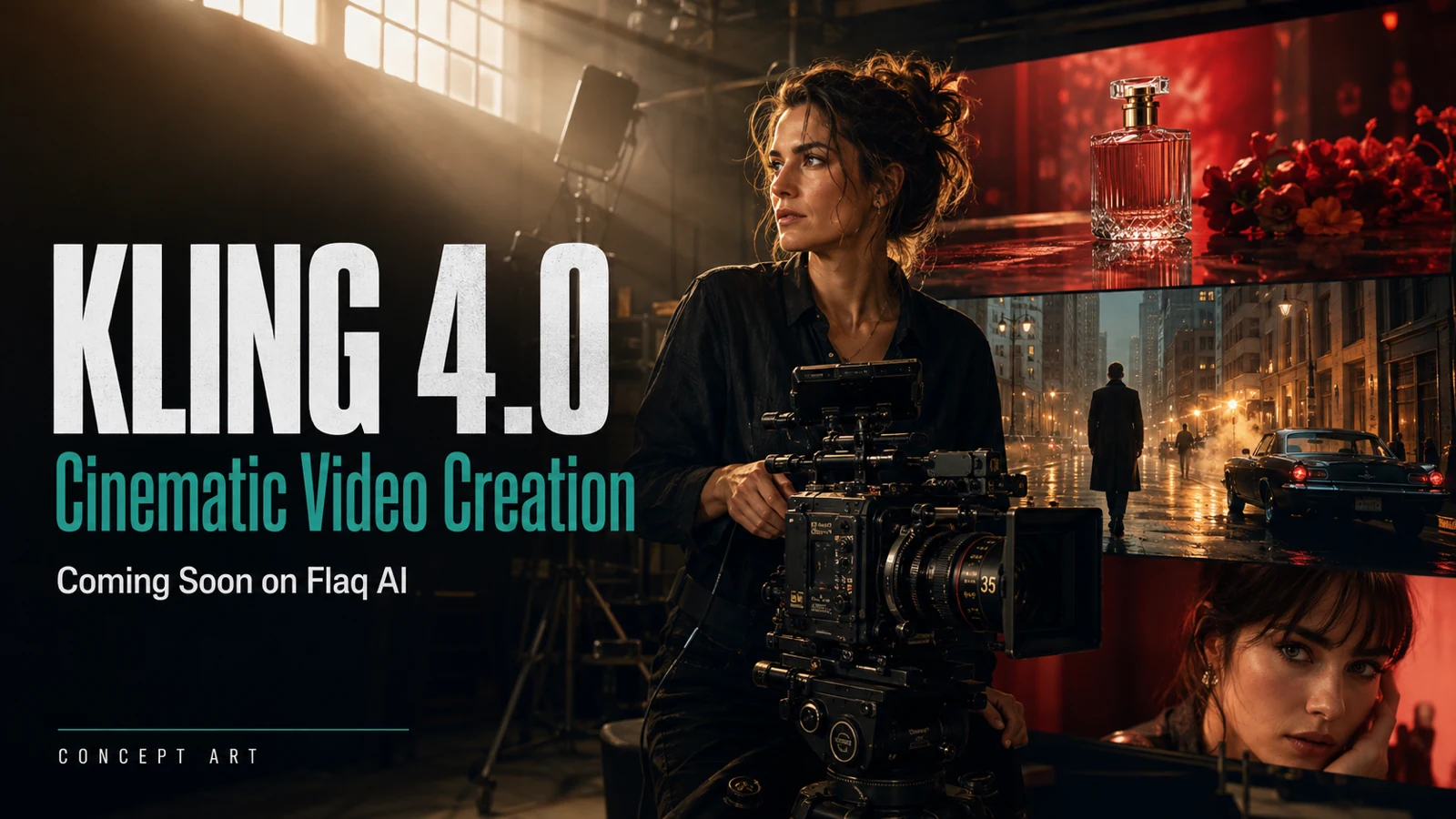
That is the creative opportunity behind Kling 4.0, the next generation that Flaq AI is preparing to add to its video lineup. For filmmakers, marketers, and developers, this is a good moment to prepare useful assets and repeatable tests while continuing production with Kling 3.0.

What Kling 4.0 Could Improve for Cinematic Video Creation
Flaq AI positions its planned image-to-video integration around visual continuity and more deliberate motion. Those are useful priorities, but their practical value will depend on testing after release.
For a cinematic shot, detail needs to survive movement. Fine fabric that looks convincing in the opening frame is less useful if it changes texture halfway through a pan. The same applies to faces, reflections, packaging, and the relationship between a subject and its surroundings.
Here is a practical evaluation framework for Kling 4.0:
| Creative priority | What to inspect | Why it matters |
|---|---|---|
| Subject continuity | Face, clothing, product shape, and background across the clip | Makes separate shots easier to edit together |
| Camera direction | Whether the requested move happens at the intended pace | Helps the shot communicate a specific idea |
| Material detail | Glass, skin, fabric, reflections, and edges during motion | Supports credible product and editorial work |
| Action timing | Clear beginning, readable action, controlled ending | Reduces trimming and reconstruction |
| Audio, if supported at launch | Timing, clarity, and fit with the visible action | Could reduce separate sound work |
These are test criteria, not measured Kling 4.0 results. A convincing demo is a starting point; your own recurring briefs are the real test.
Choose the Right Kling 4.0 Workflow for Your Creative Brief
Image-to-video starts with an existing visual decision. It is the natural direction to explore when you already have an approved product photograph, character design, or campaign composition. The motion prompt should describe how that image develops over time.
Text-to-video begins earlier in the creative process. Use it to explore a setting, action, or mood before investing in a complete visual package. A concise scene description often makes a better first experiment than a complicated sequence with several locations.
For either workflow, define one meaningful action per initial test. Once that works, add complexity deliberately.

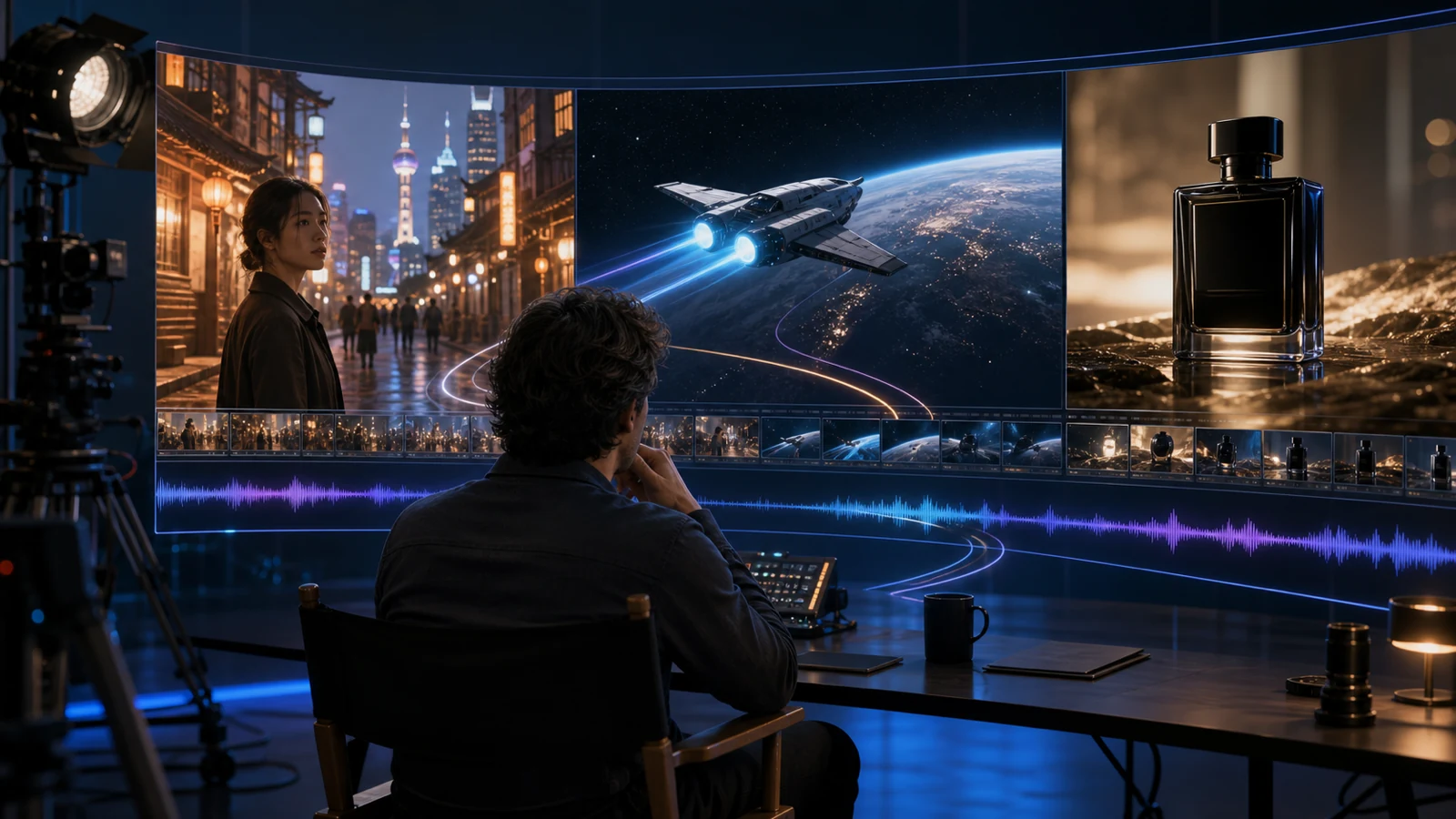
Concept storyboard illustrating a creative brief, not a demonstration of model performance.
Where AI Video Creation Can Help Creators and Marketing Teams
Product launches: Start with a hero image and explore a slow reveal, a material close-up, or a change in viewpoint. The benefit is a faster way to judge creative directions before producing a full campaign. Check that generated details still represent the actual product.
UGC-style social content: Plan an opening reaction, a simple demonstration, and a clean closing shot. Vertical composition can make those moments easier to adapt for social feeds. Use assets and likenesses you have permission to use, and keep generated scenarios distinct from real customer testimonials.
Short drama and narrative work: Test a pause before a character turns, a restrained expression, or a camera move that reveals another person. Small actions can carry a scene. They also expose continuity problems more clearly than an overloaded action sequence.
Agency pitches and storyboards: Turn abstract direction into a visual discussion. A rough moving concept helps clients respond to pacing, framing, and atmosphere before approving expensive production decisions.
The benefit across these scenarios is quicker feedback. Whether AI also saves money depends on the number of usable results and the editing each one needs.
Start Creating Now with Kling 3.0 on Flaq AI
You can prepare your briefs using the current Kling lineup:
- Kling 3.0 Standard Text-to-Video provides a starting point for establishing a baseline.
- Kling 3.0 Pro Text-to-Video is another option to evaluate on the same creative brief.
- Kling 3.0 Turbo Text-to-Video offers another current route for testing video concepts.
The Standard page lists $0.084 per second without audio and $0.126 with audio. The Turbo page lists $0.096 per second at 720p and $0.120 at 1080p. These are listed prices checked on September 8, 2026; confirm your selected settings before generating.
For illustration, five seconds at Standard's listed no-audio rate is $0.42, while five seconds at Turbo's listed 720p rate is $0.48. These configurations differ, so this is not a quality ranking. It also shows why you should compare actual settings instead of assuming a model named Turbo is always cheapest.
Kling 4.0 pricing is not confirmed. Judge its eventual value using total generation spend divided by approved clips, with editing time tracked alongside it.
Three Prompt Examples to Prepare for Kling 4.0
These are creative templates to adapt to supported settings, not tested Kling 4.0 outputs. Select duration and aspect ratio in the interface or documented API fields.
Product Reveal with Controlled Camera Movement
A red running shoe rests on a gray studio pedestal. Begin at a side profile, then move the camera slowly toward a three-quarter view. Keep the shoe stationary and preserve its silhouette, laces, and sole. Soft directional light reveals the knit texture. Finish with a brief steady hold. One continuous shot, no scene change.
Short Drama with a Subtle Human Performance
An adult woman stands beside a rain-covered train window at dusk. She lowers a folded letter, takes a quiet breath, then looks toward someone outside the frame. Slow, restrained camera push-in. Keep her face, coat, and lighting consistent. Natural blinking and a subtle change in expression; no exaggerated gesture.
Vertical Social Video with a Clear Opening Action
An adult creator places an unbranded ceramic cup on a kitchen counter, pauses, and smiles naturally toward the camera. Waist-up framing with space above the head for an added caption. Soft morning window light, modest handheld camera movement, one simple action. Keep the cup shape and fingers consistent. No generated text.
How to Prepare Your Video Workflow for the Kling 4.0 Launch
First, collect representative briefs and assets. Include difficult details you actually encounter, such as reflective packaging or a hand holding a product.
Next, save your current prompts, selected settings, outputs, and reasons for rejection. This creates a useful baseline. When Kling 4.0 arrives, compare how often each model produces a clip you can use.
For API projects, keep model selection configurable and isolate model-specific input mapping. Confirm the released request schema before migrating; a new model may require more than changing its identifier. Add task timeouts, failure handling, and a supported fallback before scaling production.
Finally, review clips at normal speed and frame by frame. A beautiful still can hide a distracting transition.
Frequently Asked Questions About Kling 4.0
Is Kling 4.0 available on Flaq AI now?
Kling 4.0 is coming soon on Flaq AI. And Kling 3.0 is available for video creation now.
Will Kling 4.0 support 4K, longer clips, or native audio?
Final support has not been confirmed in the Flaq AI launch documentation reviewed here. Do not base a delivery promise on anticipated specifications.
Should I wait for Kling 4.0 before starting a project?
Start testing your creative brief with an available model. That gives you useful assets and a baseline for deciding whether the new release improves your results.
Conclusion: Prepare Better Shots for Kling 4.0
Kling 4.0 gives creators a forthcoming option to evaluate for cinematic video creation. The strongest preparation is practical: choose a clear subject, direct one readable action, and learn which details determine whether a clip is usable. Flaq AI's planned integration will provide another opportunity to test that work when it launches.
Online Tools for UGC Video Creation
For browser-based workflows, explore Flaq AI's Reference to Video Generator when reference assets guide the concept, or its Image to Video Generator when a selected still provides the starting point. Check the chosen model's availability and supported inputs within each tool.