Bring every concept, sketch, or rough idea to life with powerful AI image generation — explore Free GPT Image 2 and turn your imagination into visuals for free. Turn ordinary photos into fun, polished, and shareable visuals with just a prompt — start creating now with Free Nano Banana AI. Quick reader takeaway: Alibaba HappyHorse is a practical AI video model for turning text prompts into short clips. On Flaq AI, you can test it directly online or access it through an API when you need a more repeatable production workflow.
AI video is moving from impressive demos to everyday production tools. For creators, that means faster drafts, more visual experiments, and fewer blank-page moments. For developers and agencies, it means a new way to build video generation into products, campaign systems, and content pipelines.
That is why Alibaba HappyHorse is worth watching. It is not just another model name in the growing AI video race. It is positioned as a practical text-to-video option for people who need smooth motion, consistent visuals, and a workflow that can scale beyond one-off experiments.
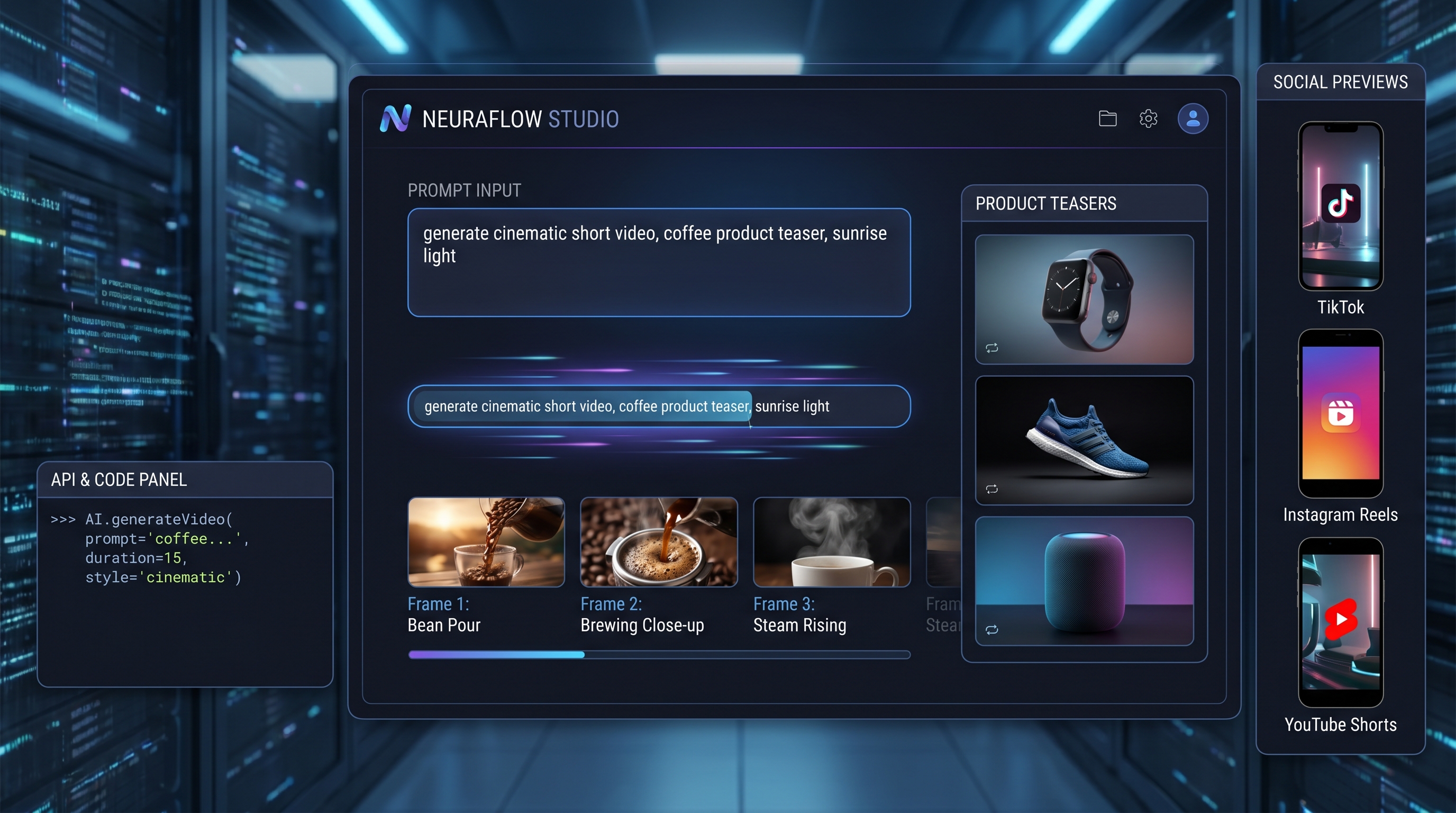
On Flaq AI, users can try the model directly online or access it through an API. This matters because different users need different levels of control. A content creator may simply want to open the playground, write a prompt, adjust the duration, and generate a short video. A developer may want to connect video generation to an app, dashboard, or automated content system.
Flaq’s model page makes both paths visible: direct online use for quick testing, and API access for structured production.
What Is HappyHorse 1.0?
Best for: short-form video drafts, social clips, ad concepts, product teasers, and creative testing.
HappyHorse 1.0 is an Alibaba video generation model designed to turn written prompts into short video clips. In plain language, you describe what you want to see, and the model creates a moving scene from that description.
The prompt can include:
- Subject
- Setting
- Style
- Camera movement
- Lighting
- Mood
- Action
For example, instead of only writing “a cat in a room,” a stronger prompt would describe a gray cat playing with a ball of yarn on a sunny windowsill, with soft morning light, a gentle camera push-in, and cozy home-video realism.
The model has more direction, so the result has a better chance of feeling intentional rather than random.
The strongest appeal of the HappyHorse model is its production-friendly nature. It is useful for short-form content, product concepts, social posts, creative previews, ad drafts, and fast visual ideation.
It does not need to replace a full film crew or a high-end post-production pipeline. Its practical value is in speed: you can test an idea, change the prompt, regenerate, and compare results before committing more time or money.
Why the Alibaba HappyHorse Release Matters
The simple reason: AI video users no longer only want beautiful demos. They need tools that can fit real content workflows.
The AI video space is already crowded, but not every model serves the same user. Some models are built mainly for cinematic quality. Some are better for experimental visuals. Others are more suitable for consistent production, API access, or high-volume creative testing.
Alibaba HappyHorse enters this landscape as a model that feels especially relevant for teams that need usable clips, not just stunning samples.
A social media manager might use it to test three different product teasers before choosing one direction. A small business owner might create short seasonal videos without hiring a full creative team. A developer might use the API to add video generation to a marketing tool, content editor, or e-commerce platform. An agency might build prompt templates for clients and generate multiple campaign concepts in a repeatable workflow.
This is where Flaq AI’s access model becomes important. The platform allows direct online use, so people can test the tool without first building anything. It also supports API access, so technical users can move from manual experimentation to automated generation.
That bridge between playground and API is one of the biggest reasons the release is useful.
How to Use HappyHorse on Flaq AI
Using HappyHorse on Flaq AI is straightforward. Start by opening the model page and choosing the playground. Enter a prompt that describes the main visual idea. Then adjust practical settings such as duration, resolution, aspect ratio, and seed.
After generating the first result, look at what worked and what felt unclear. The next step is not to throw away the prompt completely, but to refine it.
A Simple Prompt Workflow
- Define the subject. Is it a product, a person, an animal, a landscape, or a fantasy scene?
- Define the action. Is the subject walking, floating, rotating, dancing, opening, glowing, or transforming?
- Define the camera. Should the shot be a close-up, wide shot, drone view, handheld movement, slow push-in, or cinematic pan?
- Define the style. Should the video feel like a luxury commercial, a documentary, an anime scene, a social media ad, or a soft lifestyle clip?
This simple structure makes the prompt easier for the model to follow.
Example prompt:
A premium smartwatch on a marble table, soft studio lighting, slow rotating camera movement, elegant luxury product commercial, shallow depth of field, smooth motion, 16:9.
That prompt gives the model a clear subject, environment, lighting style, camera movement, and format. The result is usually easier to evaluate than a vague prompt like “make a smartwatch video.”
Why the HappyHorse 1 API Is Useful for Builders
Best for: apps, dashboards, content tools, marketing systems, and high-volume generation workflows.
The HappyHorse 1 API is especially useful when video generation needs to become part of a repeatable workflow. Manual generation is fine for casual users, but teams often need more structure.
They may want to generate videos from product descriptions, create hundreds of prompt variations, connect outputs to a CMS, or build customer-facing tools.
For developers, API access means HappyHorse can become part of a larger system. A product team could build an internal tool where marketers enter a product name, target audience, and style, then automatically generate several short video drafts.
A creative agency could connect prompt templates to client campaigns. A startup could test AI video features before investing in custom infrastructure.
The API route also supports consistency. When teams use the same prompt templates, settings, and generation logic, they can compare results more fairly. This is helpful when testing different campaign angles, video styles, or product categories.
Text-to-Video or Image-to-Video: Which Workflow Fits Better?
Choose the workflow based on what you already have.
| Workflow | Best Starting Point | Best Use Case |
|---|---|---|
| Text to Video | A written idea or scene description | Brainstorming, social clips, ad concepts, short visual stories |
| Image to Video | A product photo, poster, character image, or brand visual | Product animation, poster motion, character movement, brand-consistent clips |
The HappyHorse text to video API is best when you want to start from a written idea. It is ideal for brainstorming scenes, generating social clips, drafting ad concepts, or creating quick visual stories from scratch.
If you do not already have a source image, text-to-video gives you the freedom to invent the whole scene through language.
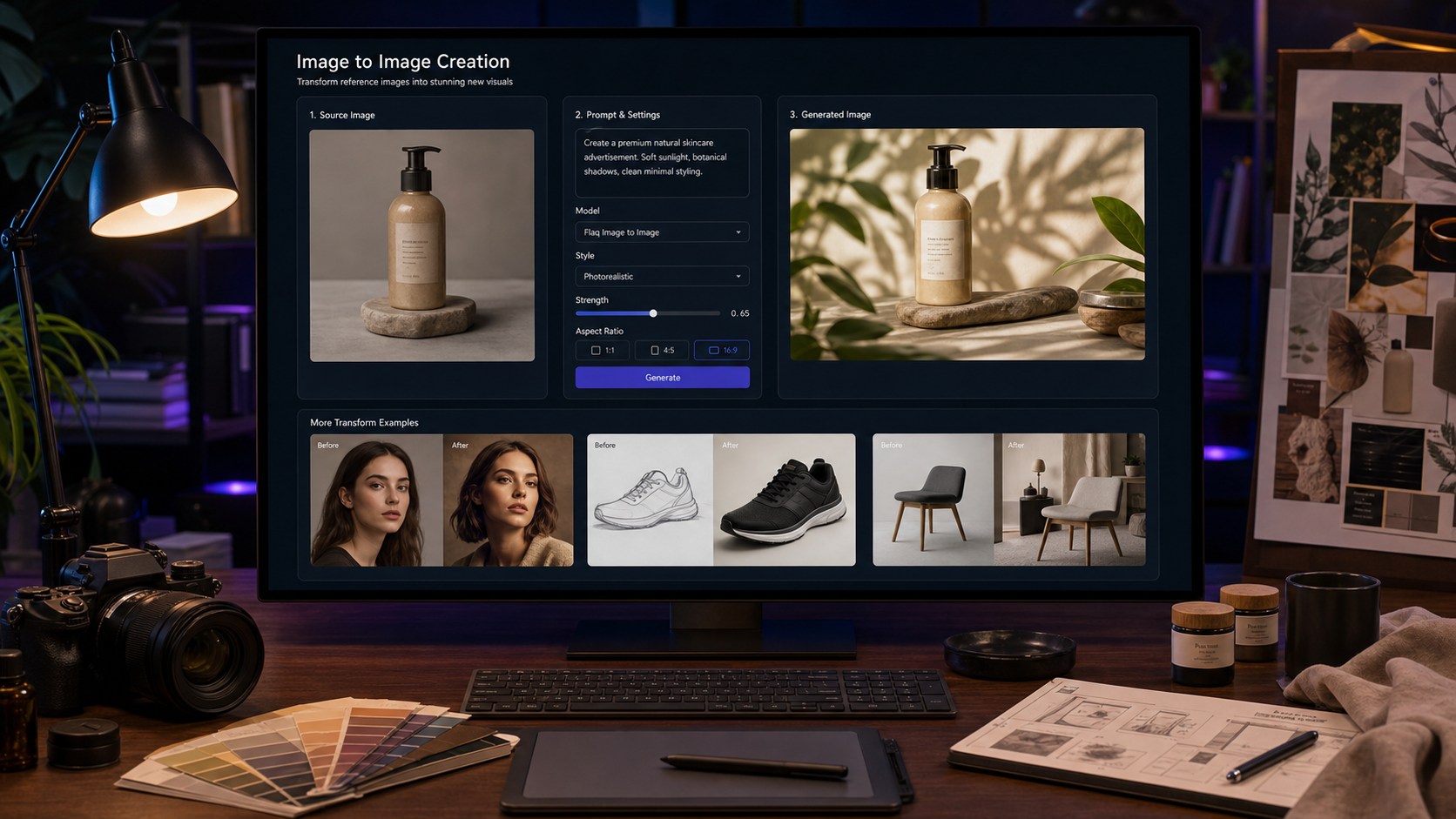
The HappyHorse image to video API fits a different need. It is better when you already have a visual reference, such as a product photo, poster, character design, brand graphic, or AI-generated still image.
Instead of asking the model to imagine everything from zero, you give it a starting frame and ask it to animate that visual.
For marketing and e-commerce, image-to-video can be very powerful. A product image can become a short motion ad. A poster can become a moving teaser. A character concept can become a short animated scene.
This workflow is often better when brand consistency matters because the source image gives the model a stronger visual anchor.
A practical strategy is to use both workflows together. Start with a still image from a visual generator, then animate it with HappyHorse. For example, a team could create campaign posters or product visuals with the GPT Image 2 API on Flaq AI, then use HappyHorse image-to-video to turn those stills into short motion assets.
This creates a smooth pipeline from image concept to video output.
Best Use Cases for Alibaba HappyHorse
HappyHorse is most useful when speed and iteration matter. It works well for short-form social content, product teasers, creative testing, mood boards, campaign previews, and lightweight video ads.
It can also help writers, bloggers, and publishers turn article ideas into visual concepts.
Who Benefits Most?
- Creators get momentum. Instead of spending hours planning a shoot or searching stock footage, they can quickly test whether a visual idea works.
- Brands get variety. They can generate multiple directions before choosing the one that best fits the message.
- Developers get integration. The API makes it possible to build AI video into real products and workflows.
The best way to approach the model is with clear expectations. HappyHorse is not a magic button that replaces creative judgment. It still needs thoughtful prompts, testing, and refinement.
But when used well, it can shorten the distance between an idea and a usable video draft.
Prompt Examples for HappyHorse
Use these examples as starting points, then adjust the subject, camera movement, visual style, and aspect ratio for your own project.
Product Teaser Prompt
A sleek wireless headphone floating above a reflective black surface, soft blue rim light, slow rotating camera movement, premium technology commercial style, cinematic depth of field, smooth motion, 16:9.
Fashion Social Clip Prompt
A stylish model walking through a neon city street at night, oversized jacket, light rain, reflections on the pavement, handheld fashion-film camera movement, energetic but elegant, vertical 9:16.
Food Commercial Prompt
Fresh strawberries falling into a bowl of cream in slow motion, bright morning kitchen light, appetizing texture, macro lens, clean commercial style, gentle camera push-in.
Image-to-Video Motion Prompt
Animate the product image with a slow clockwise camera orbit, soft studio lighting, gentle background particles, premium advertising style, keep the product shape and logo stable.
Final Thoughts
The Alibaba HappyHorse release is interesting because it speaks to where AI video is heading: faster, more accessible, and more connected to real creative workflows.
The model is useful for people who want to generate short clips directly online, but it also gives developers and teams a path toward API-based production.
For casual users, the best starting point is simple: open the playground, write a detailed prompt, generate a clip, and refine the result.
For technical users, the better path is to test the workflow manually first, then move into the API when the prompt structure and output needs become clear.
In that sense, HappyHorse is not only a video model. It is also a practical creative bridge between idea, image, motion, and scalable production.
Recommended Flaq AI Models and Webpages
If readers want to build a broader AI creative workflow, Flaq AI offers several useful model pages beyond HappyHorse.
Start with HappyHorse 1.0 Text to Video for prompt-based video creation, then try HappyHorse 1.0 Image to Video when you already have a product image, poster, or character reference to animate.
For image-first production, the GPT Image 2 API is a strong companion because it can help create campaign stills, thumbnails, posters, and product visuals before turning them into video.
For teams comparing video options, Flaq AI’s model library is also useful for exploring other text-to-video and image-to-video APIs in one place.
Related Article
- Alibaba’s Happy Horse 1.0 Is the AI Video Wild Card Right Now — And Why Wan 2.7 and Wan 2.6 Still Matter
- Wan 2.7 API Guide: How to Use It, What It Does Well, and What to Know Before You Build
- Seedance 2.0 API Guide: How to Use Faster Text-to-Video Workflows
People Also Read
- How to Use the AI Music Video Generator: A Detailed Guide from Song to Video
- How to Turn Images Into Better AI Prompts
- Kling 3.0 Review: Is It the Right AI Video Tool, or Should You Start Simpler?
- Seedance 2.0 Video Generation Guide: Tutorial + Prompts
- Text-to-Video Guide: How to Choose Models and Create Better Clips